Intuitive, Simple, Efficient

Simplify the creation of organizational charts, WITHOUT the complexity of DRAWING HASSLES!

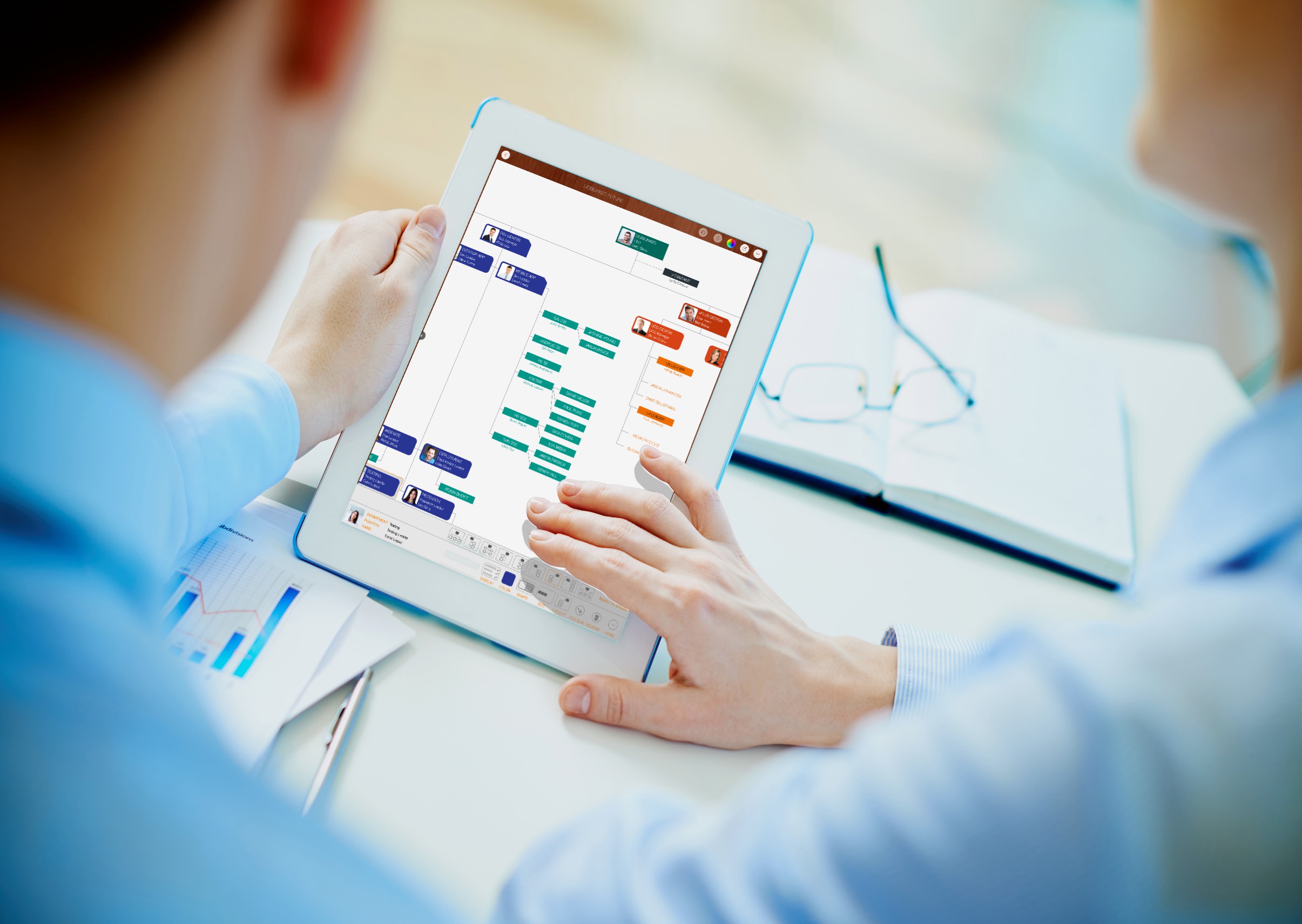
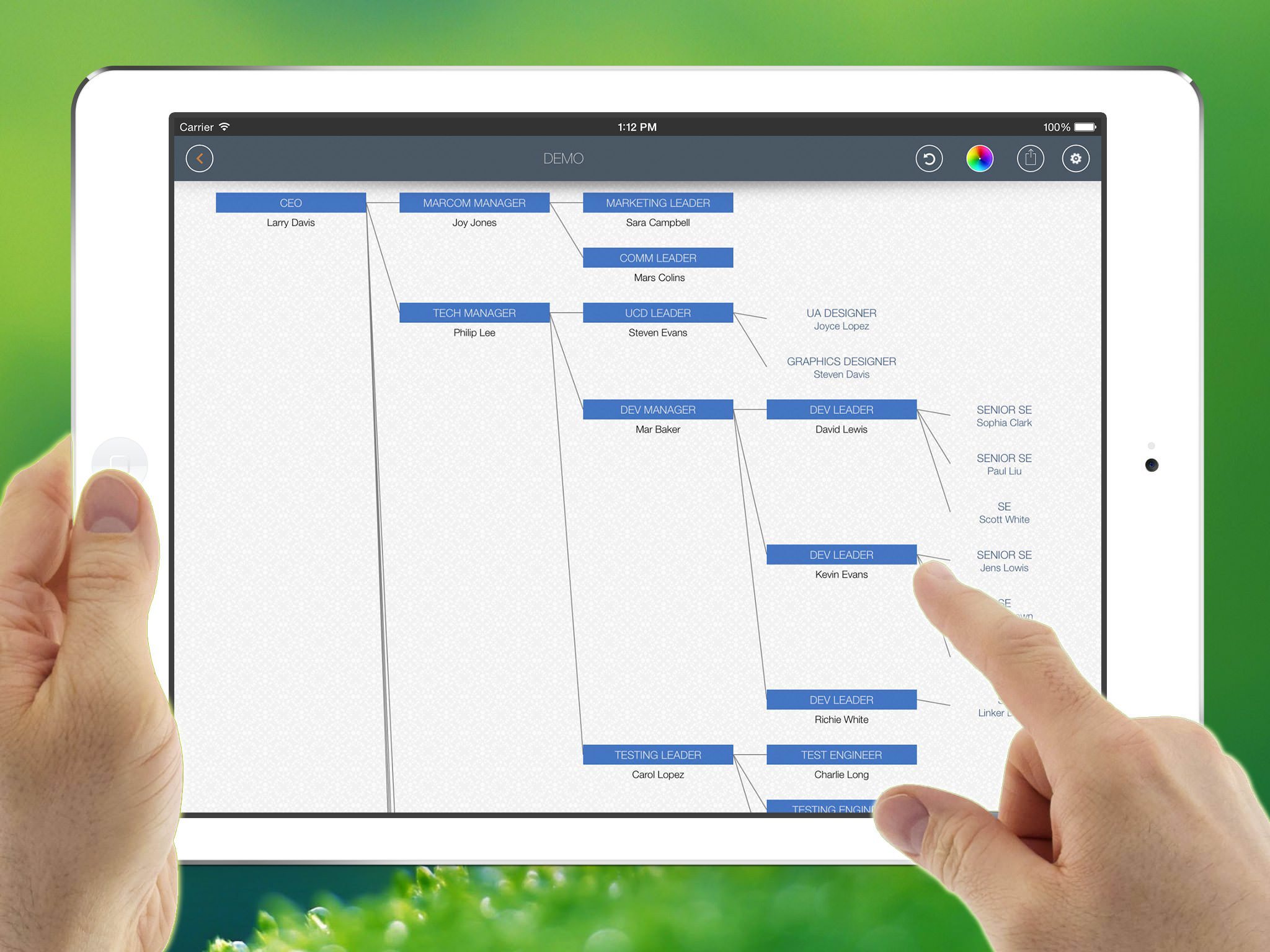
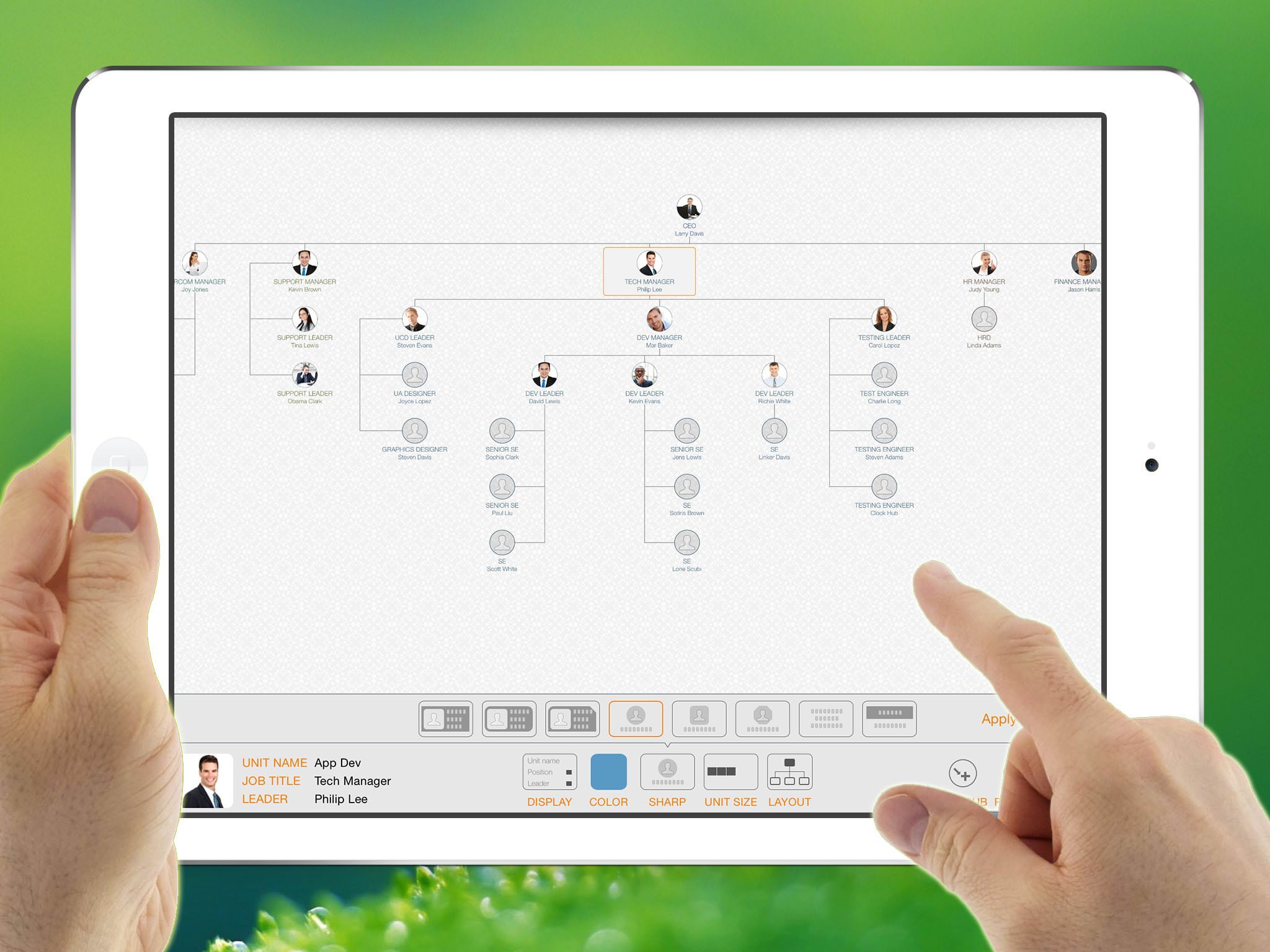
OrgChart simplifies creating organizational charts in a tree structure without manual drawing complexity.

(You do not need to draw shapes or manually arrange and connect entities. OrgChart helps you DRAW them AUTOMATICALLY.)

EFFICIENT MAINTENANCE

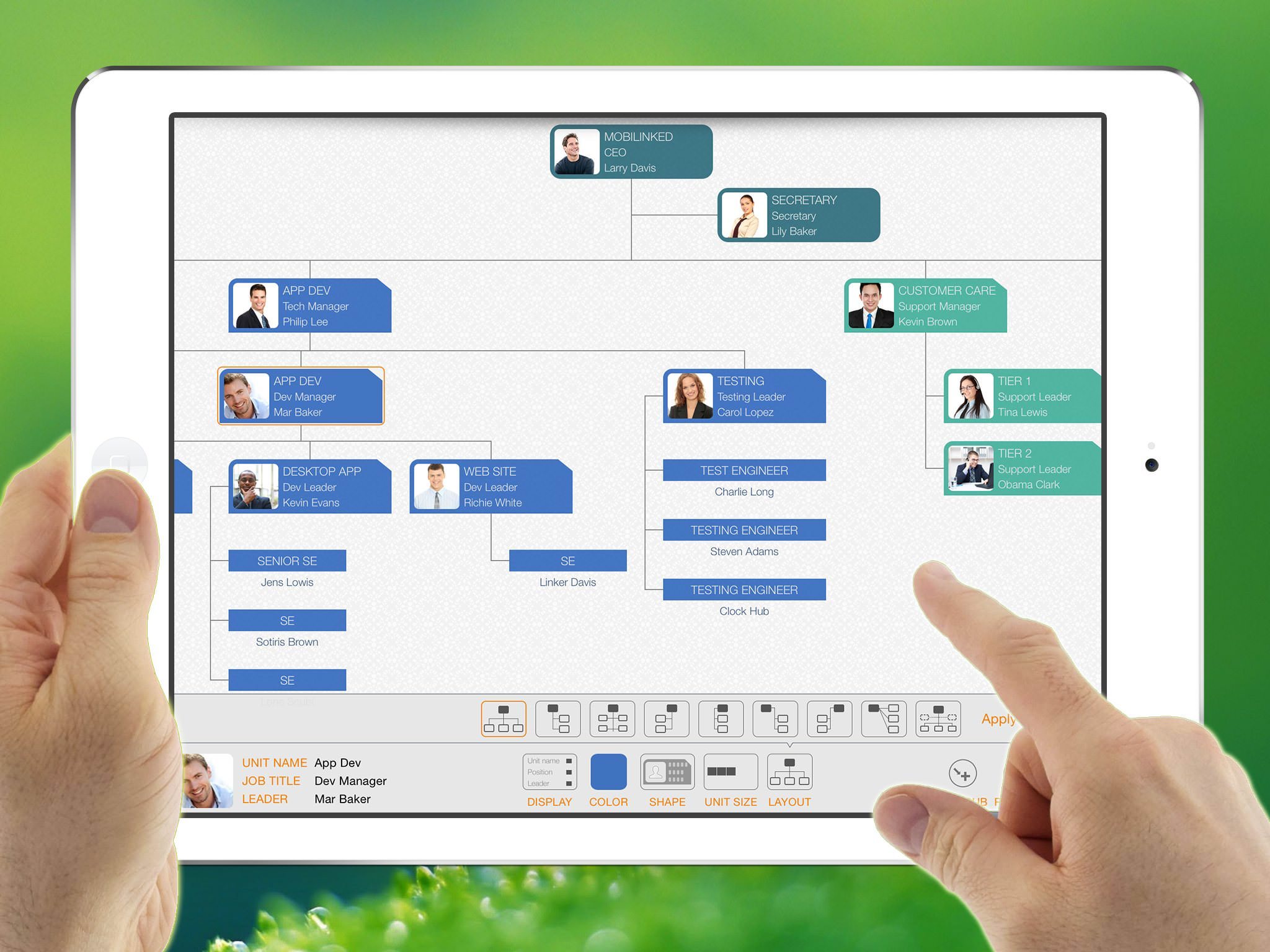
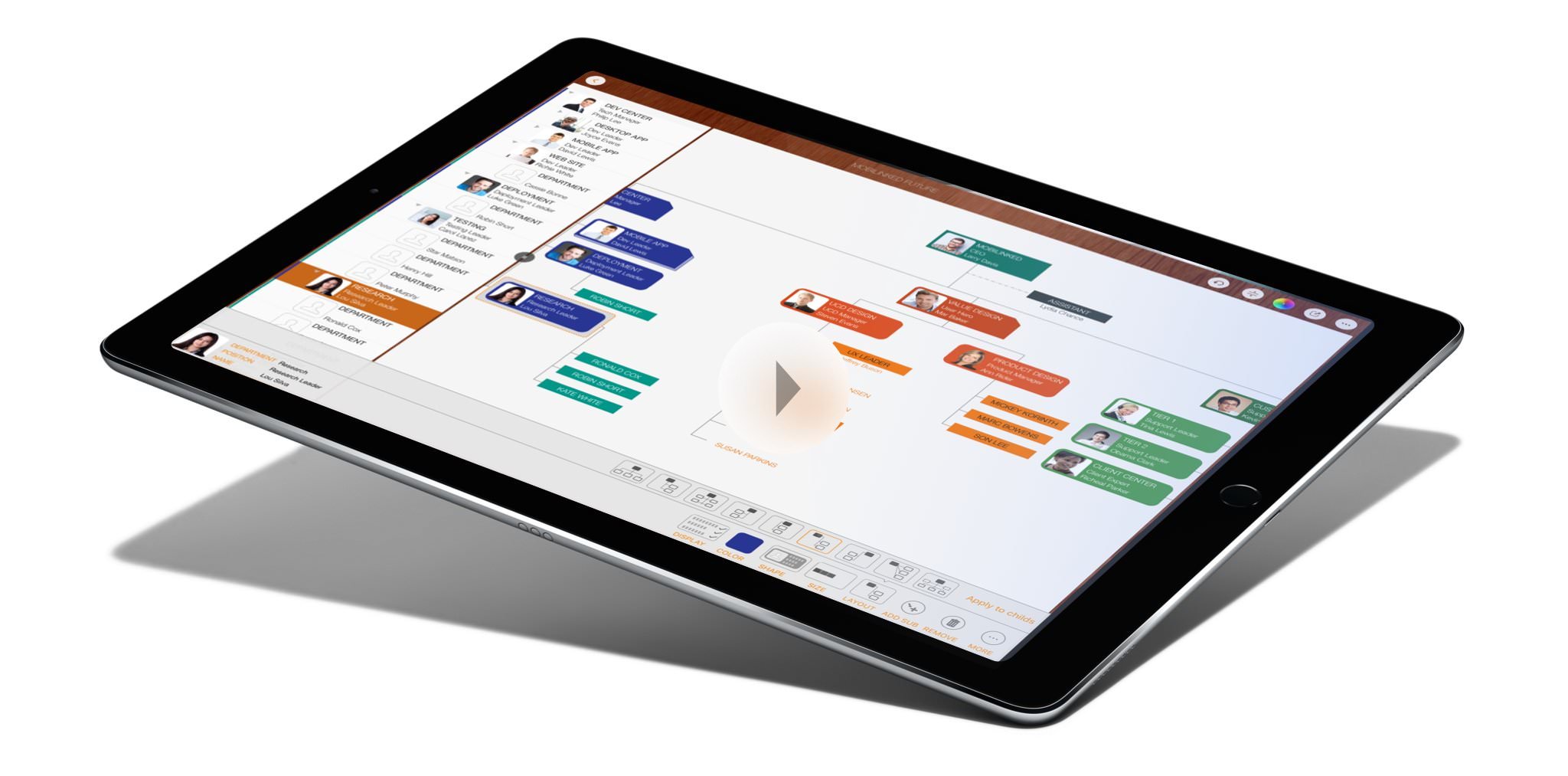
Natural gestures and context-based menus help you manage organization charts in the outline, chart, and inspector panels, with a clean, effective, and intuitive interface.

NO DRAWING HASSLES

Define each department's color, shape, layout, content visibility, size, and line style, and OrgChart draws the chart automatically.

8 SHAPEs

9 LAYOUTs

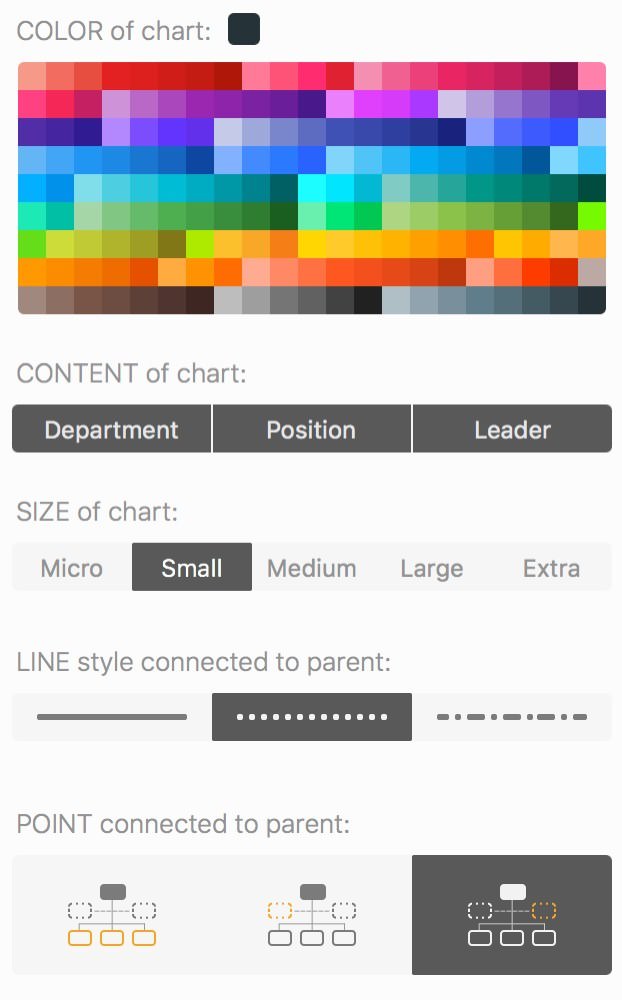
COLOR, SIZE, CONTENT and LINE STYLE

  • Predefined colors make color selection quick and easy.
  • Control content visibility.
  • Adjust chart unit size.
  • Three line styles to connect children and parents.
  • Set connection points.

PROFESSIONAL REPORTING

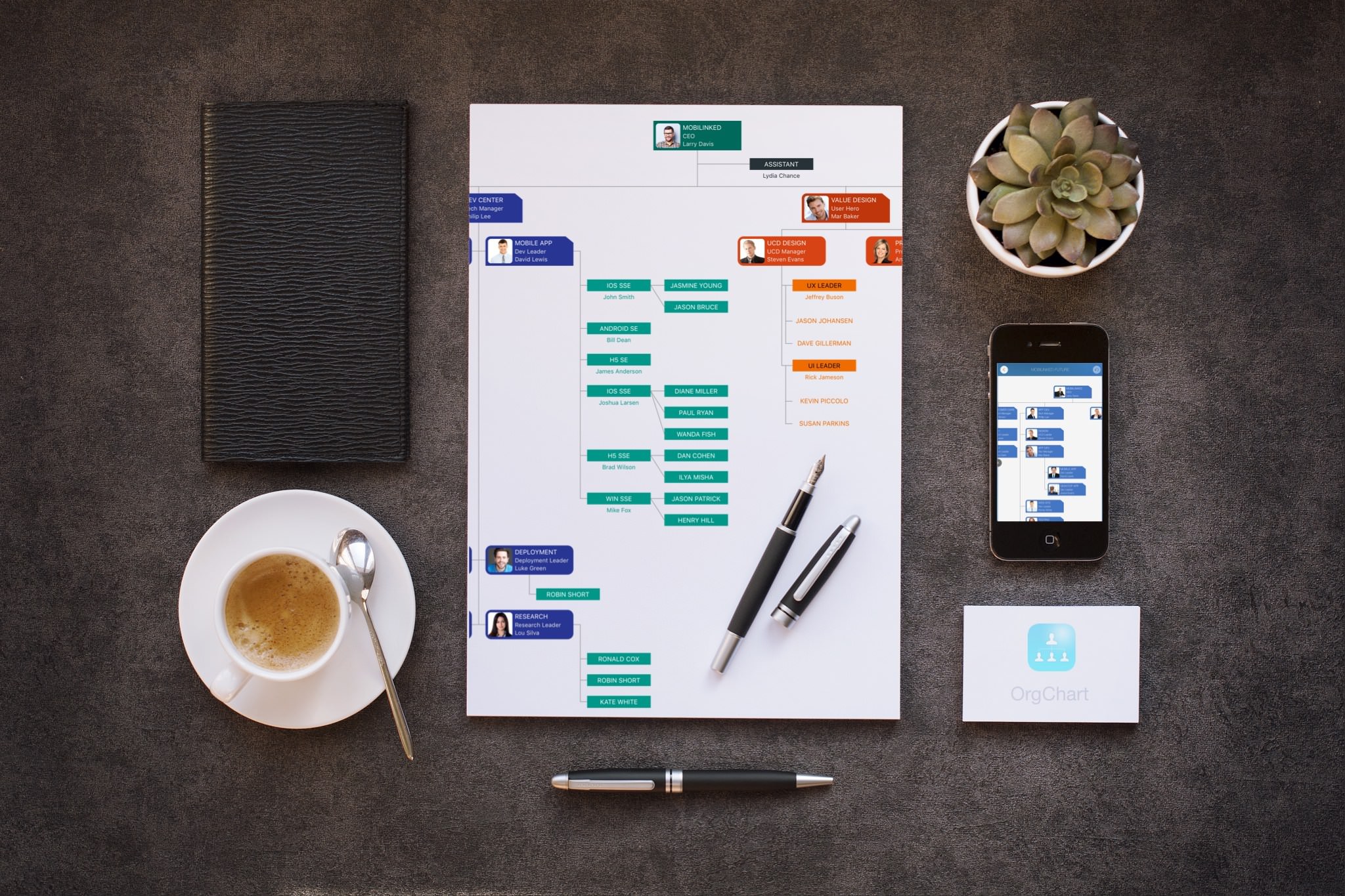
Export org charts as PDF, Excel (or CSV), and image files with flexible customization options for content and layout.

SYNC across iOS and Mac Devices

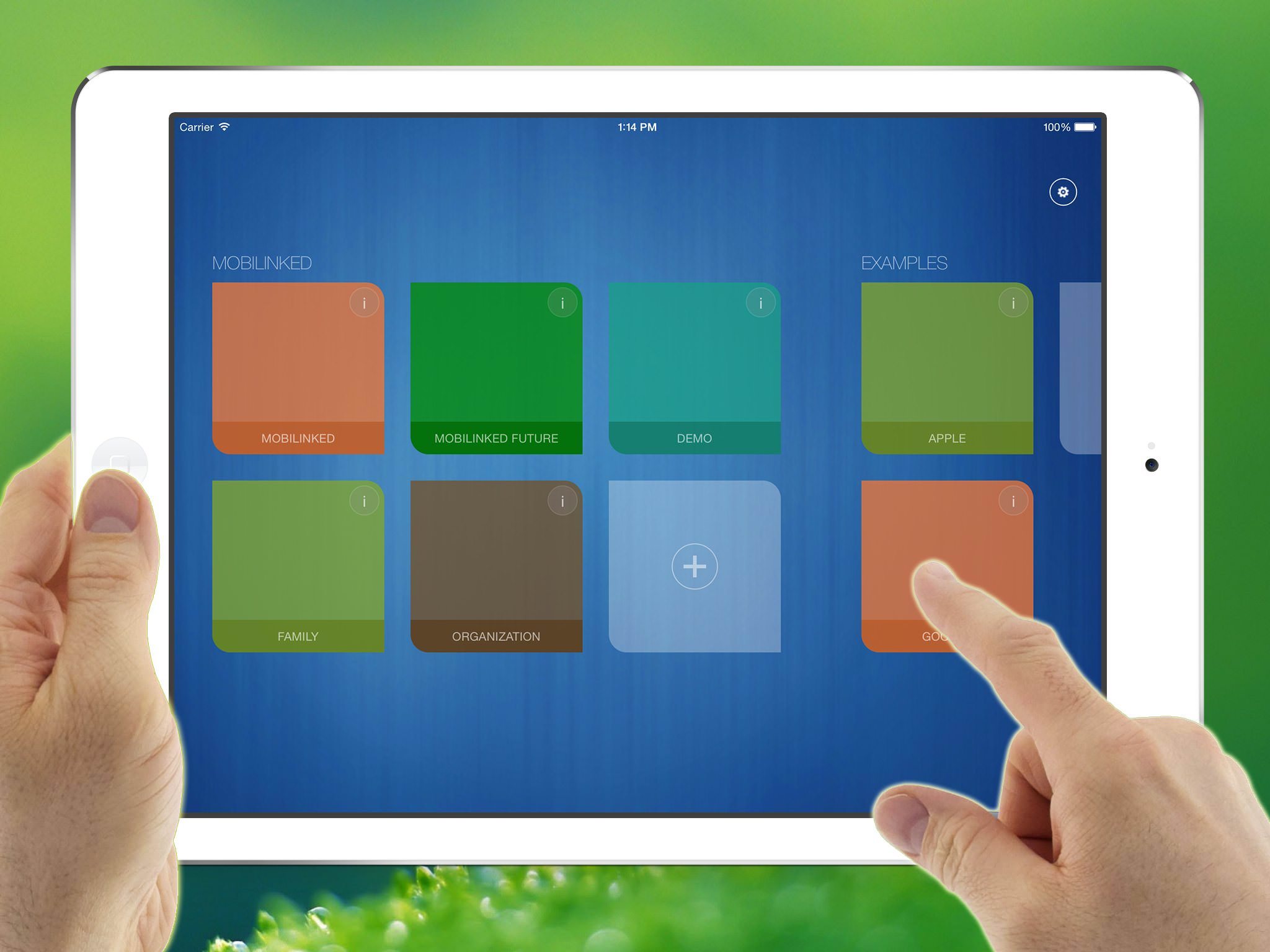
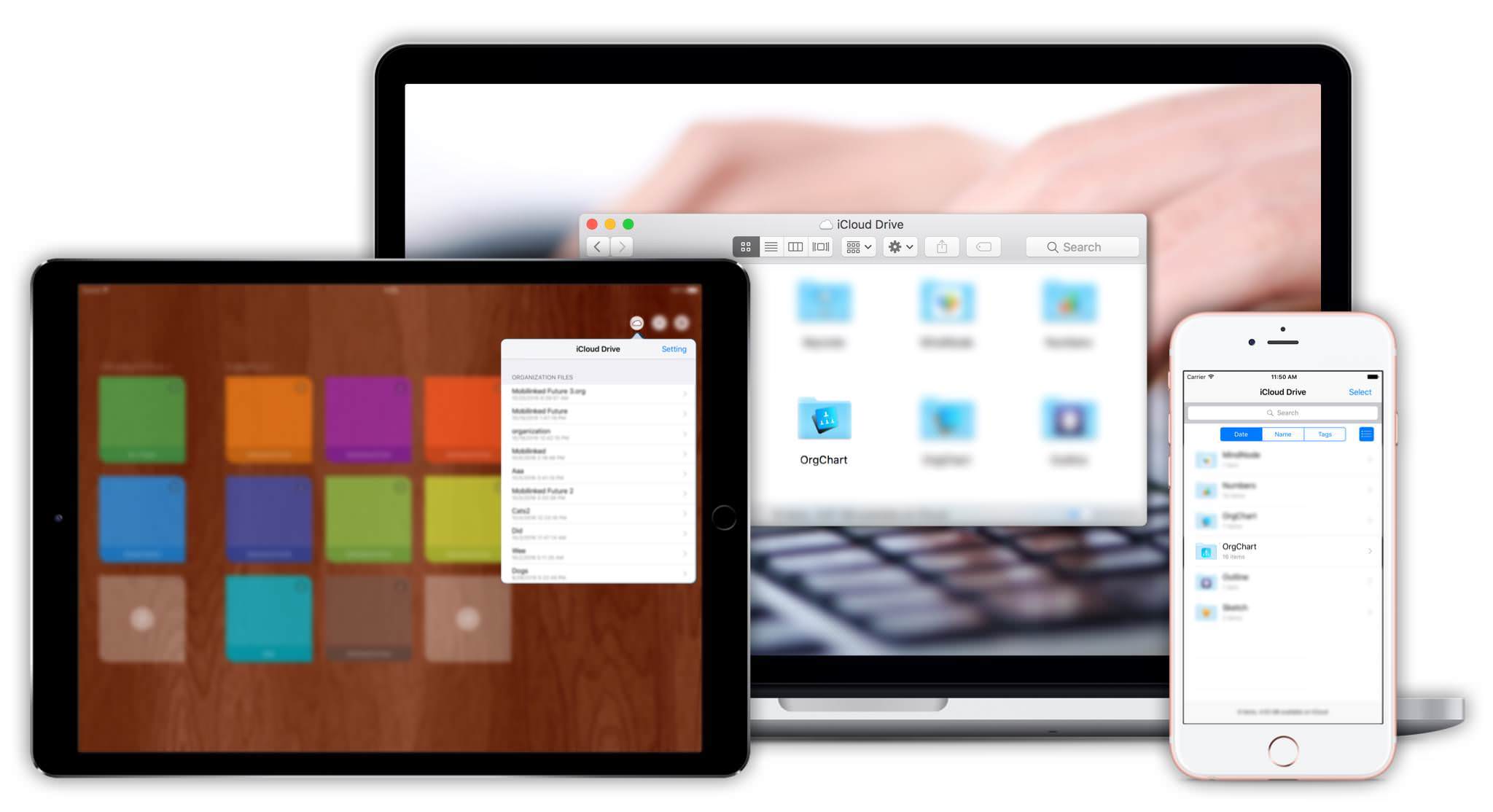
Sync org chart documents between iOS and Mac devices via iCloud Drive.

MINDMAP (OPML) INTEGRATION

OrgChart for macOS supports exporting organizational charts as OPML files.

The Best I’ve seen in the App Store

KAZthe7th

Very well put together. This app is worth a lot more than the developer is charging. I purchased all his other apps just to support him. It is very easy to use and saves a lot of time compared with doing similar work in Excel or Keynote.

Incredible and very easy to use

Michael J7301

I like how OrgChart keeps work simple and stays focused on what it should do. This seems to be the only app in the App Store dedicated to organization charts. Easy to use and highly efficient.

wirklich gut!

UdoSch

ok, man braucht so etwas nicht jeden Tag. Habe es auch nur gekauft, weil mir Qickplan vom gleichen Entwickler so gut gefallen hat.Auch hier eine hervorragende Umsetzung für die touch Bedienung auf dem iPad. Wer seine Kontakte gut gepflegt hat, evtl mit Fotos und diese dann einliest, hat im Handumdrehen ein Organigramm. Sonst eben etwas Tipparbeit, aber gut geführt. Die Anpassungen erfolgen kinderleicht und intuitiv. So sollen Programme von heute sein!

Very good and easy to learn

Joy Adams

I am a senior manager at a construction company, and I was hiring 80 people for a new department. This app made it very easy to create organization charts quickly during meetings and discussions with teams and leadership.

Create beautiful organizational charts efficiently

2026 © COPYRIGHT SWIFT APPS | All Rights Reserved
Swift Apps