We recommend all users upgrade to OrgChartX - our modern app for iPhone, iPad, Mac, and Vision Pro. It can import files from legacy OrgChart apps. This website remains available to support users who continue using the legacy apps.
This site continues supporting legacy OrgChart apps.

We recommend all users upgrade to OrgChartX - our modern app for iPhone, iPad, Mac, and Vision Pro. It can import files from legacy OrgChart apps. This website remains available to support users who continue using the legacy apps.
This site continues supporting legacy OrgChart apps.
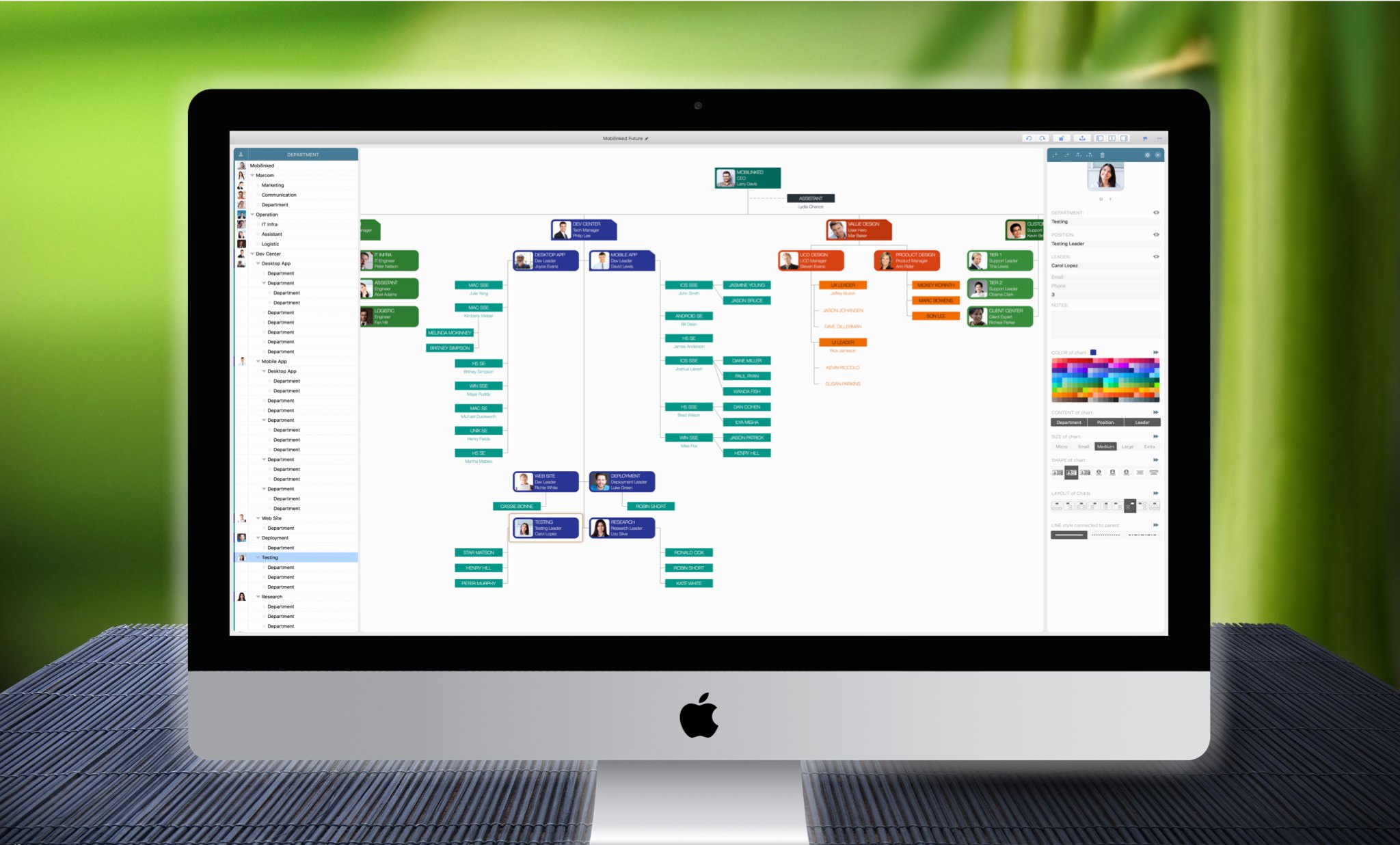
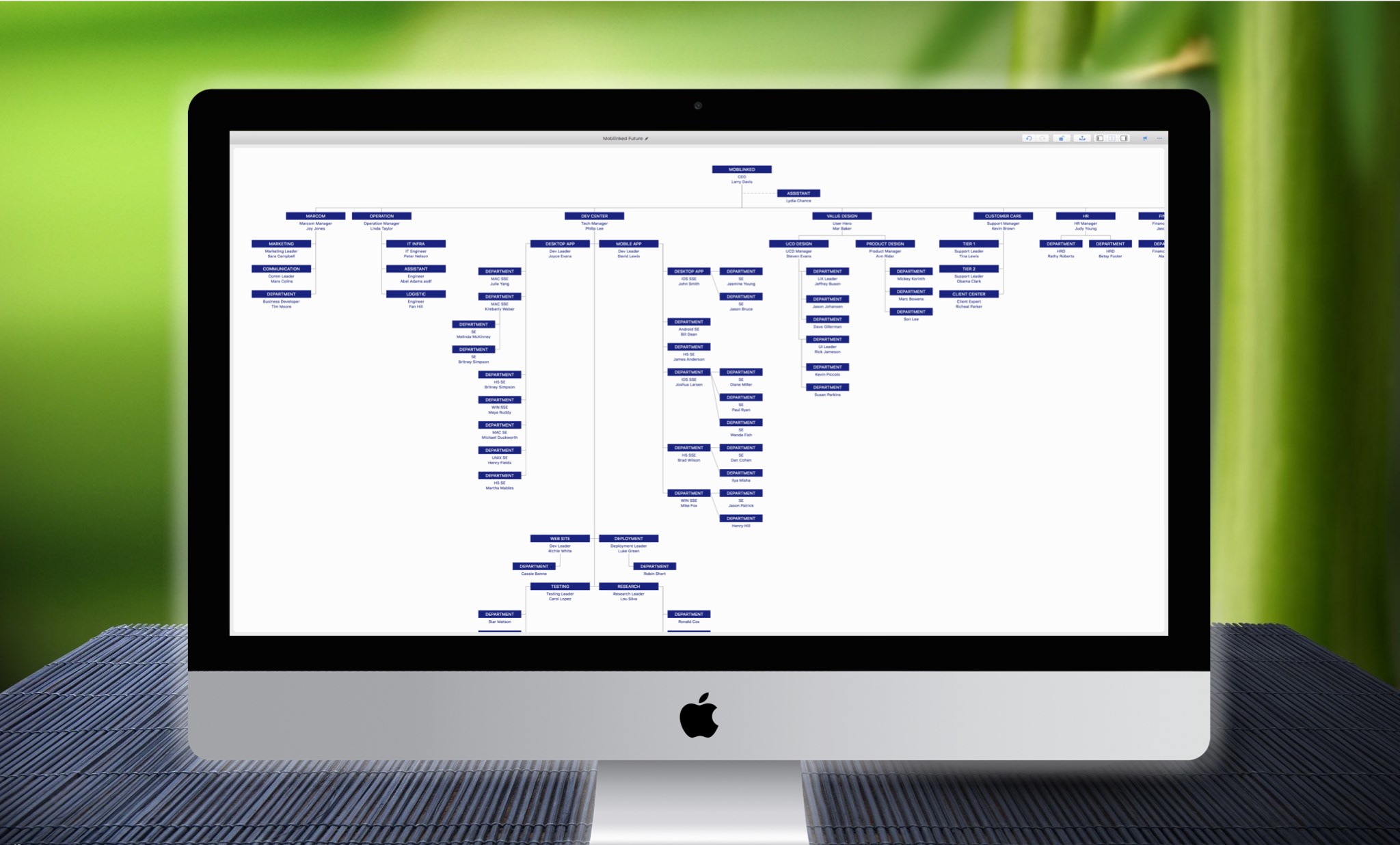
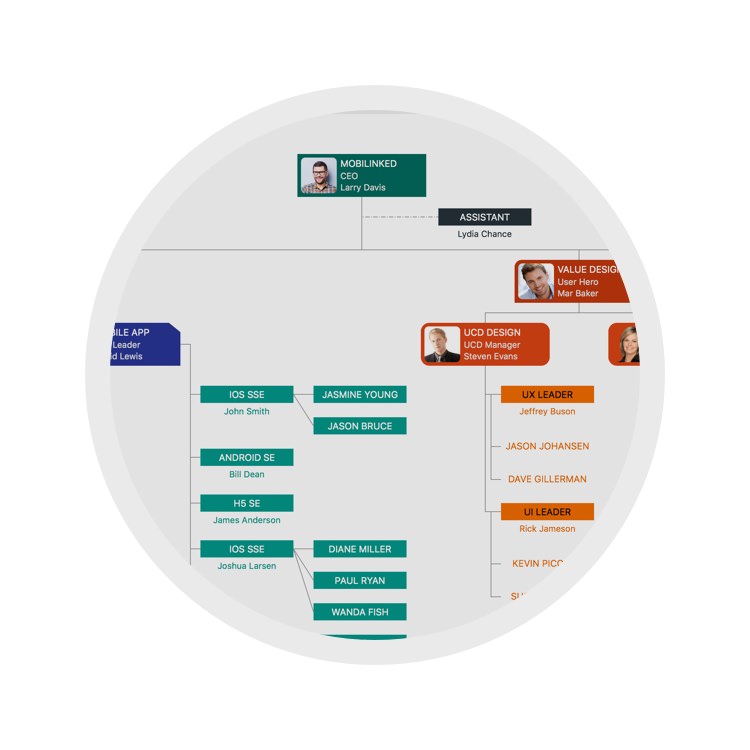
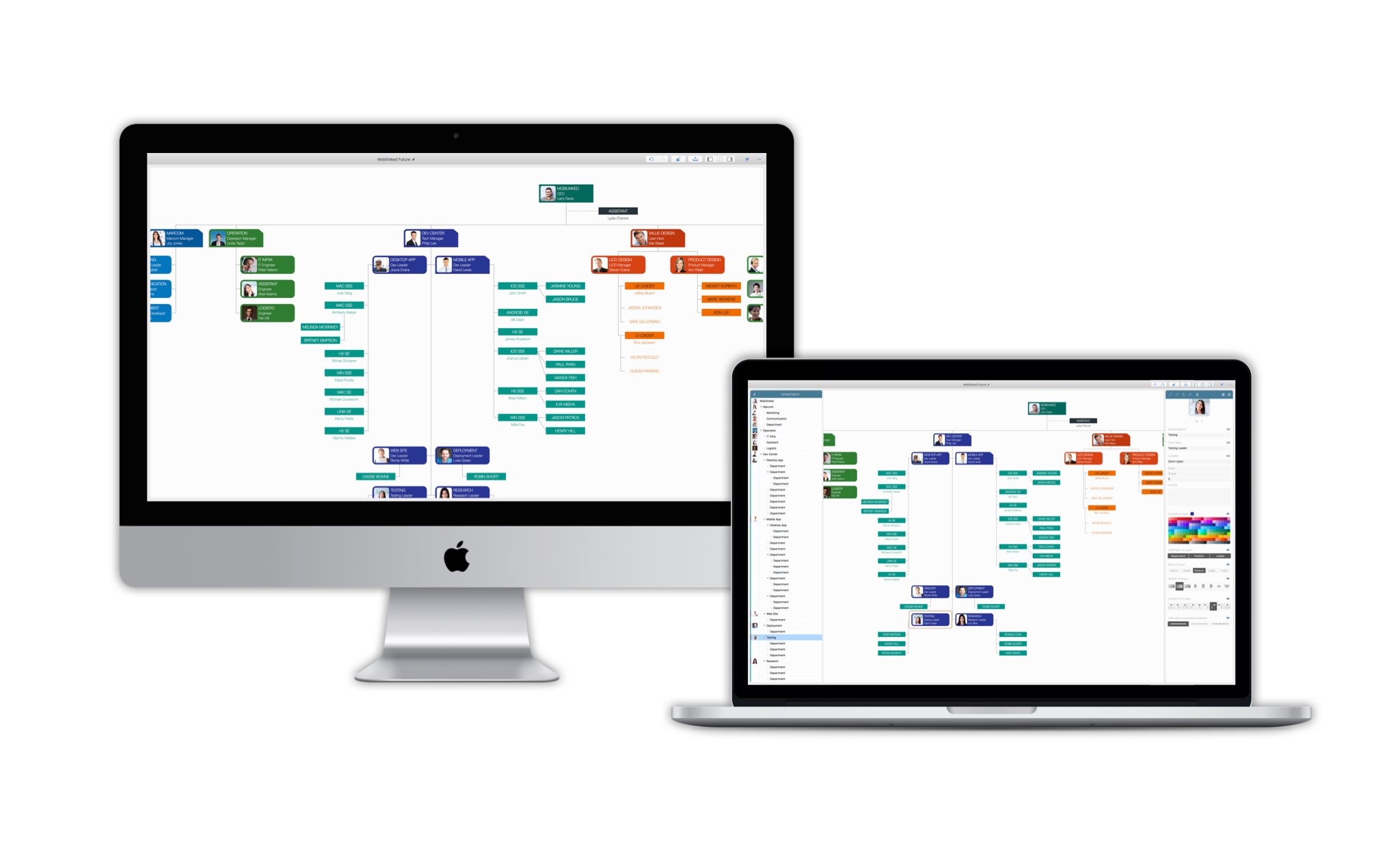
OrgChart simplifies creating organizational charts in a tree structure without manual drawing complexity.
(You do not need to draw shapes or manually arrange and connect entities. OrgChart helps you DRAW them AUTOMATICALLY.)
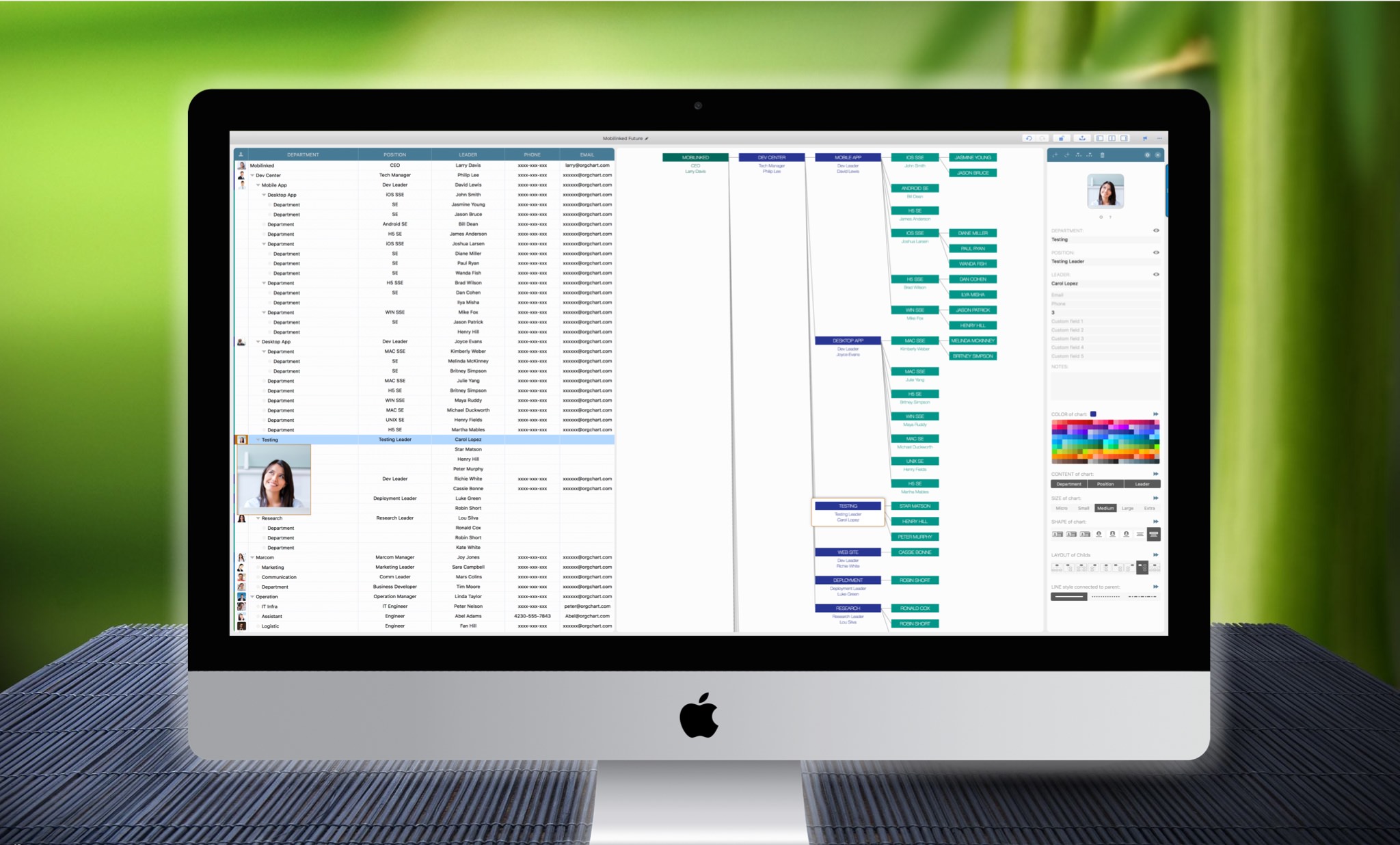
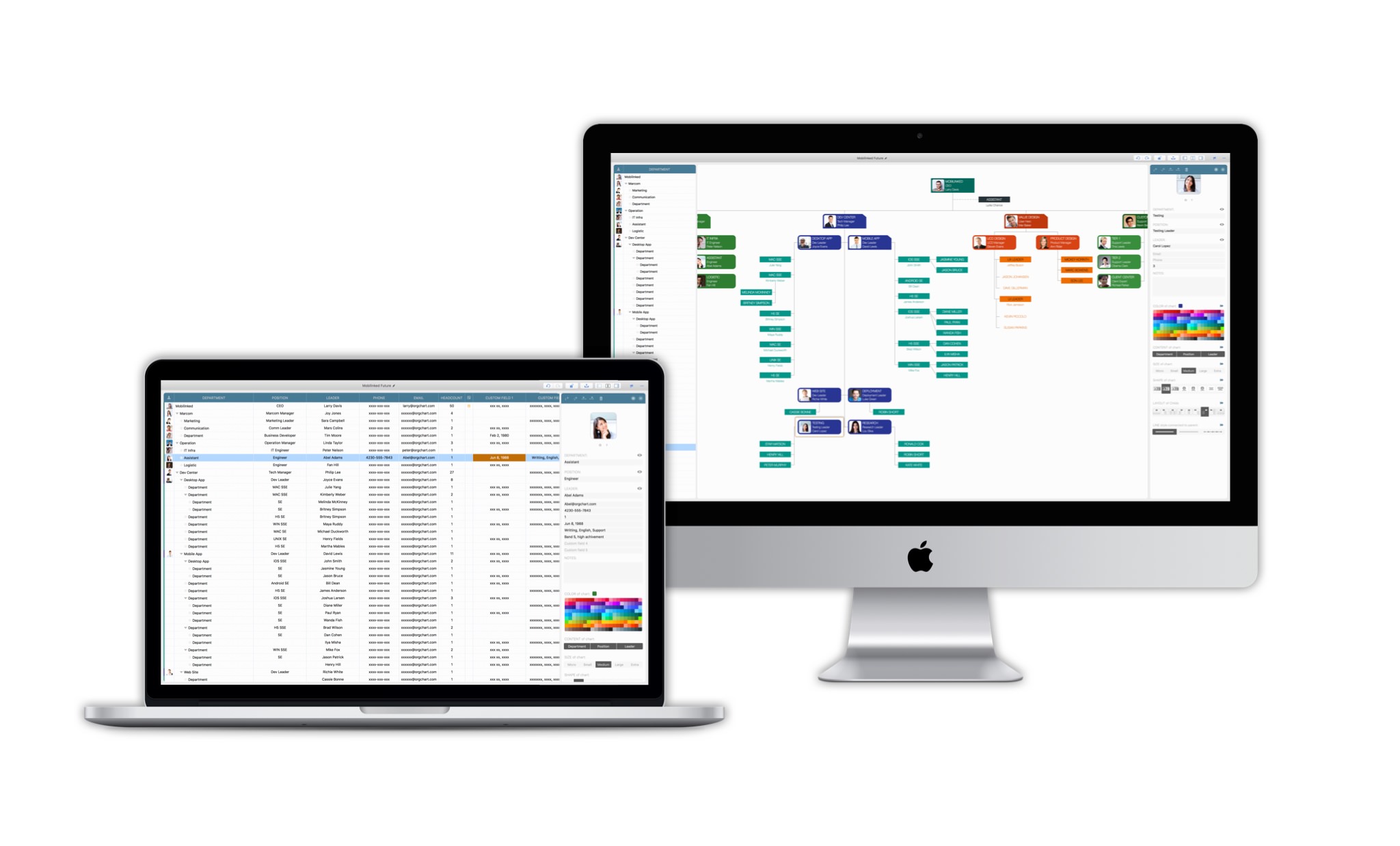
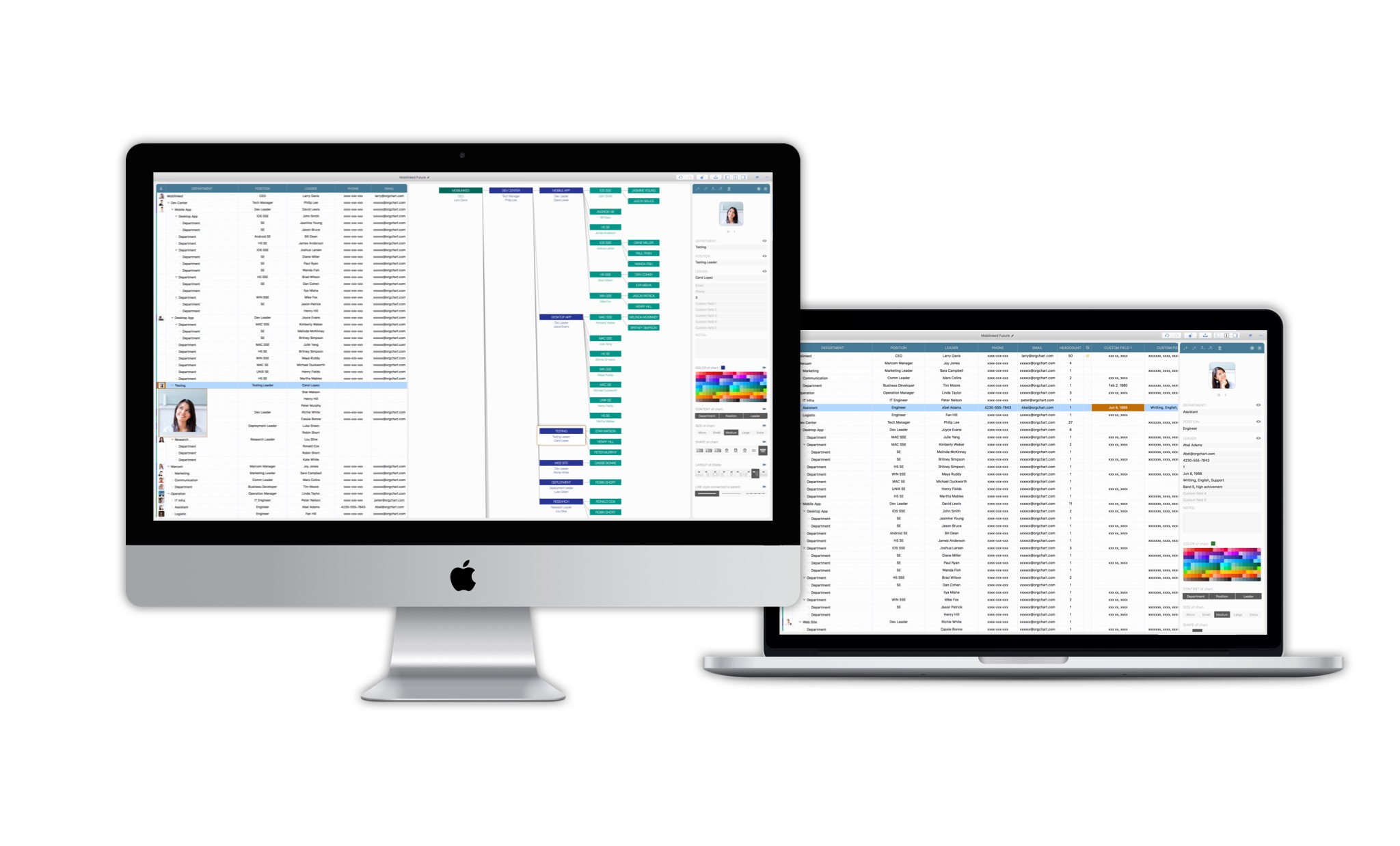
Flexible editing in the outline, chart, and updating panels, with natural mouse gestures and well-designed keyboard shortcuts, makes planning more comfortable, faster, and more efficient.
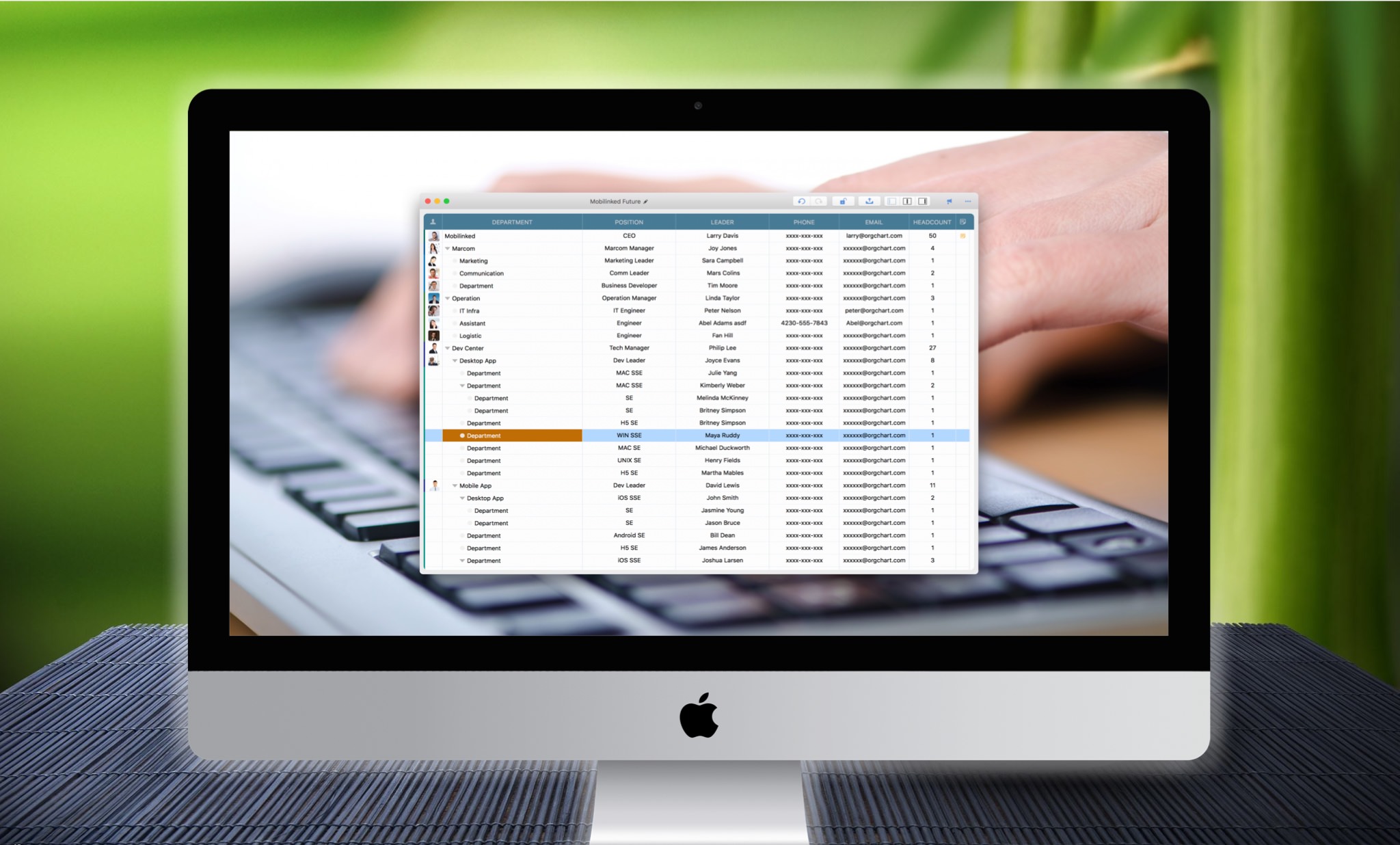
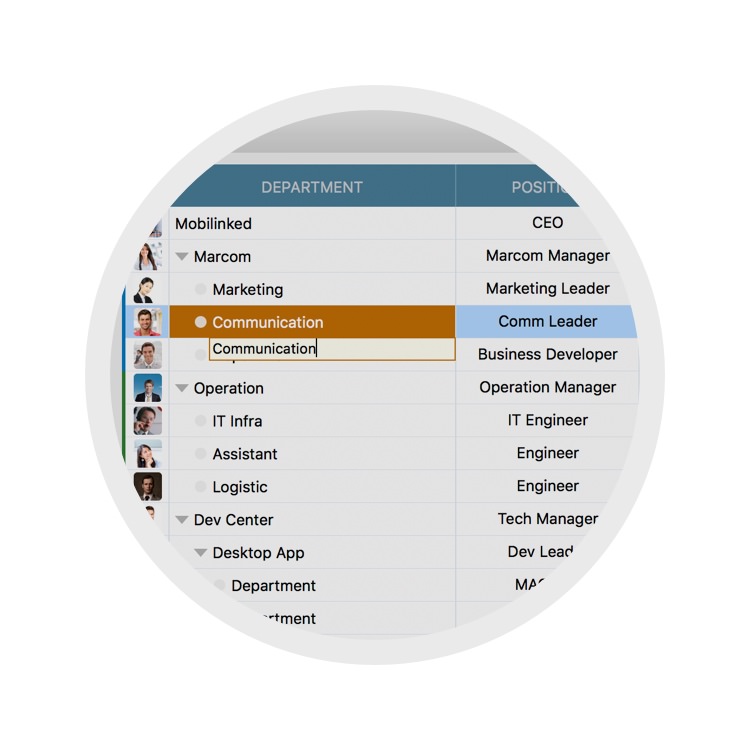
The outline panel manages department properties in a grid, with well-designed keyboard shortcuts for cell navigation and editing.
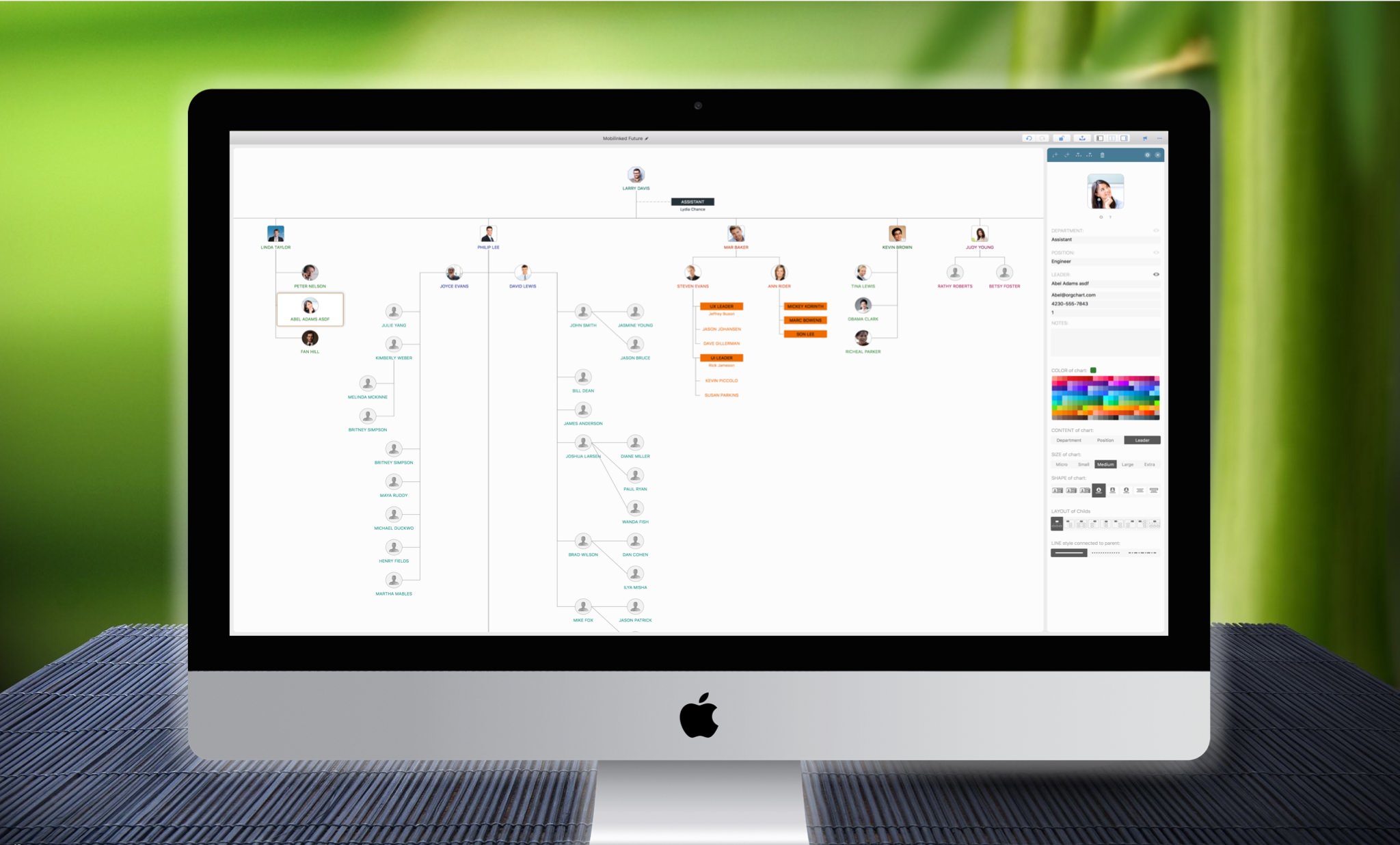
The chart panel provides intuitive department editing with natural mouse gestures and keyboard shortcuts.
The updating panel helps you manage department properties efficiently in a property list, with flexible customization options.
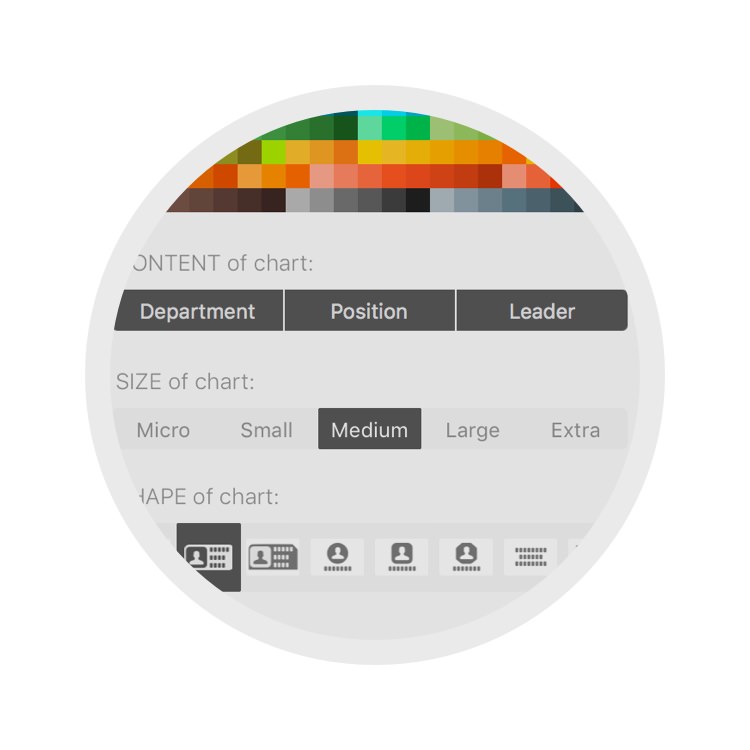
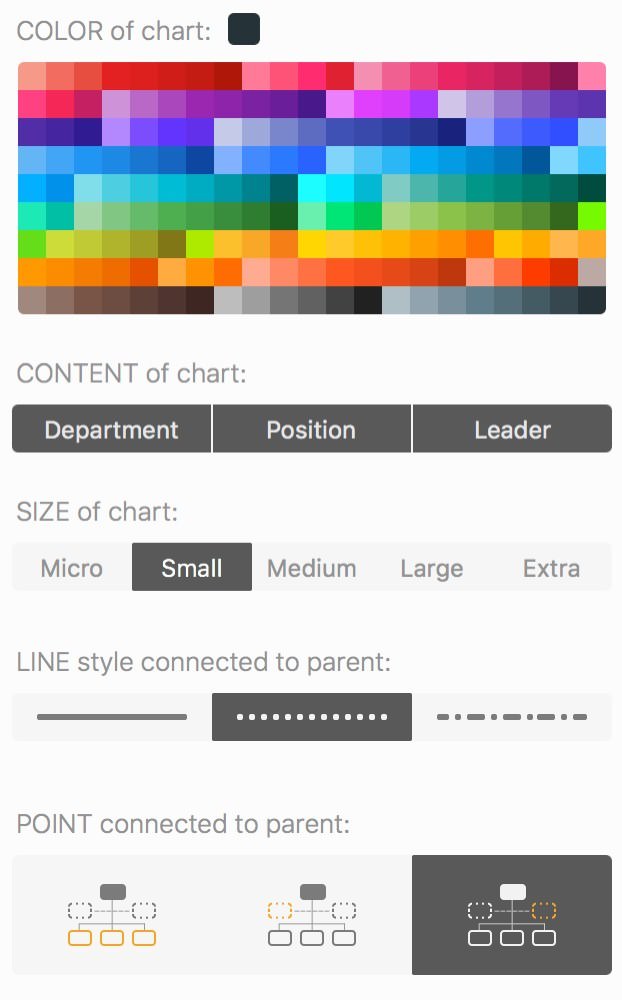
Quickly get the result you want by defining department color, shape, layout, content visibility, size, and line style. OrgChart draws it automatically.
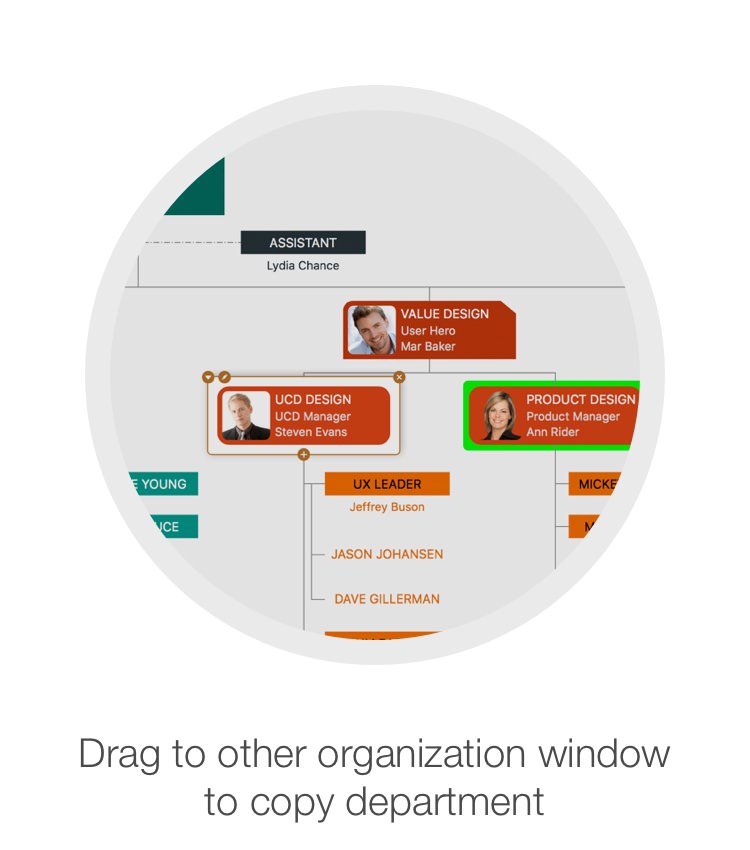
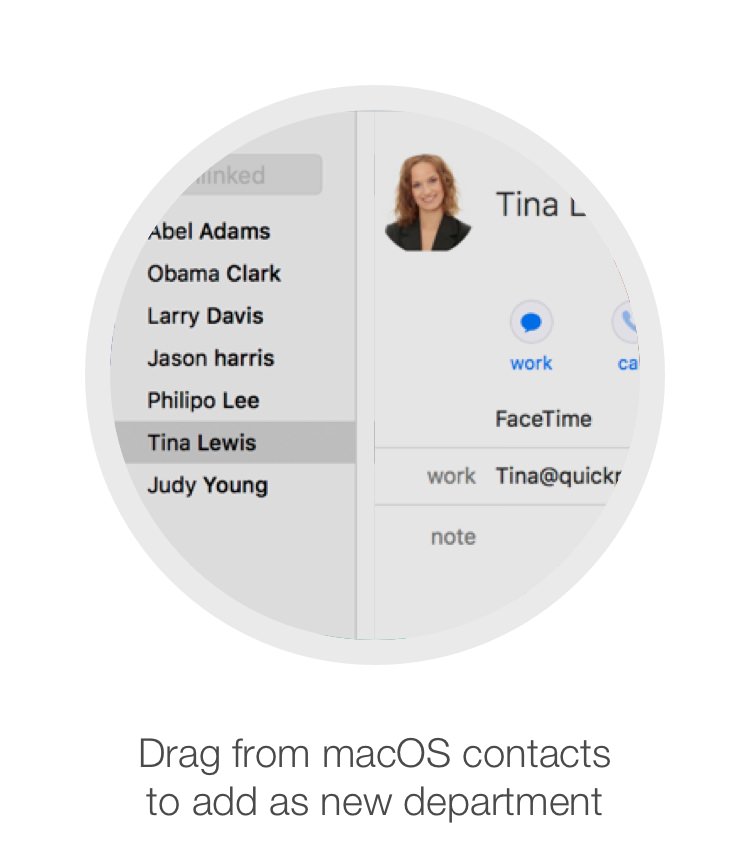
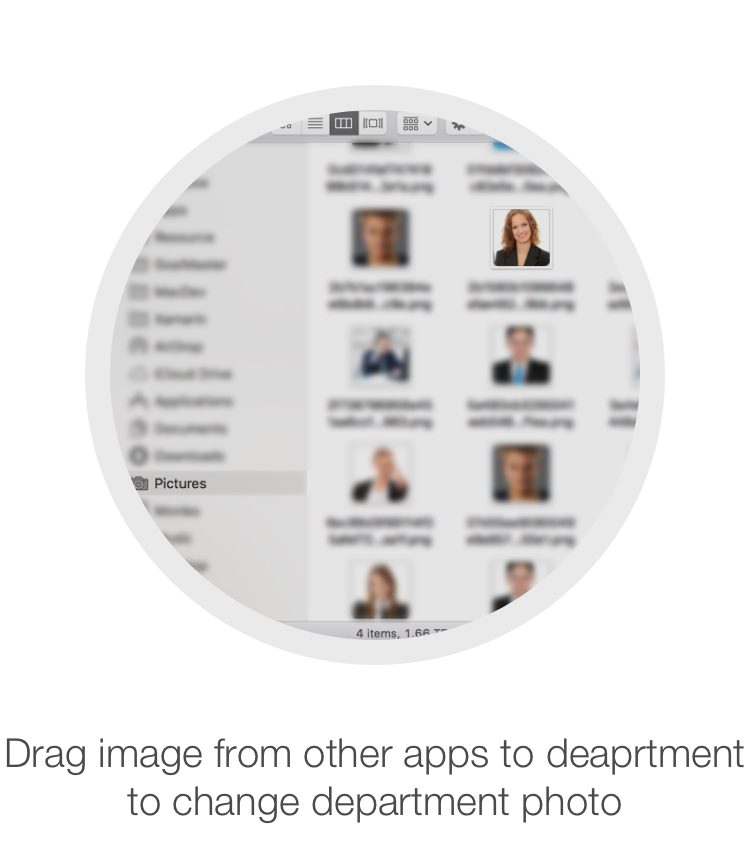
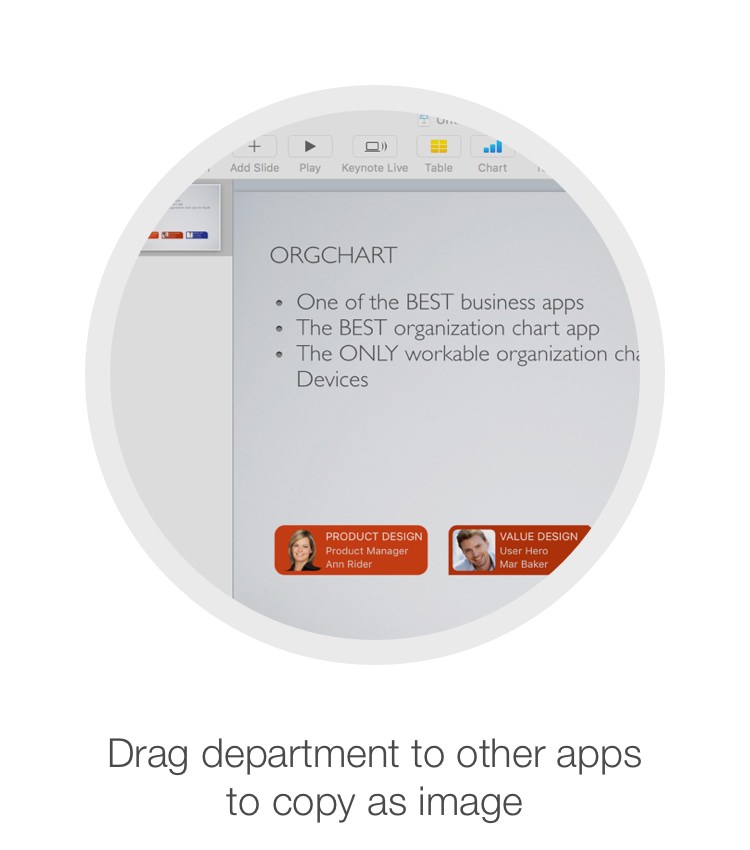
Interact with other apps through drag-and-drop to exchange data across organization windows and apps.
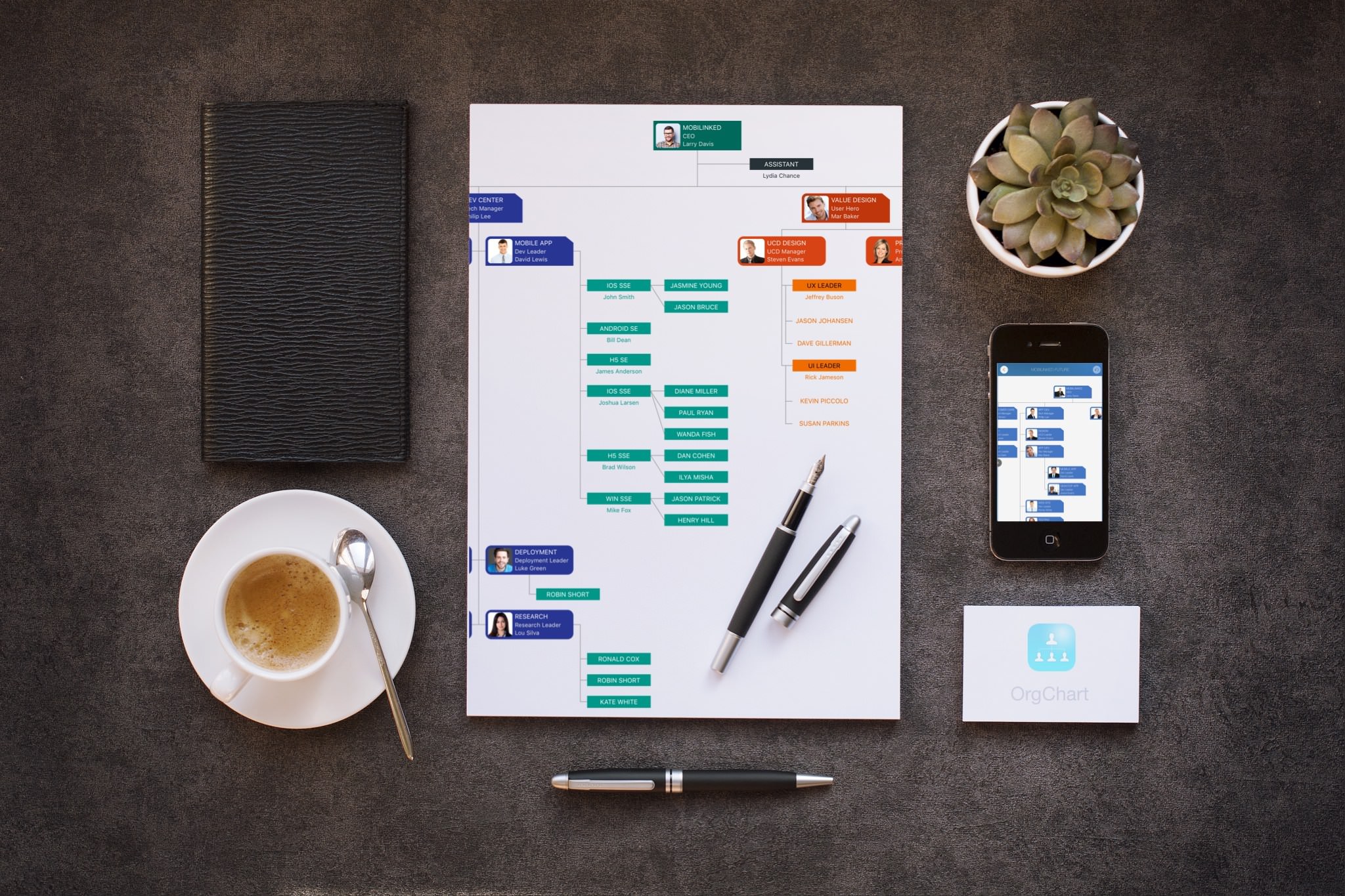
Export org charts as PDF, CSV, and image files with flexible customization options for content and layout.
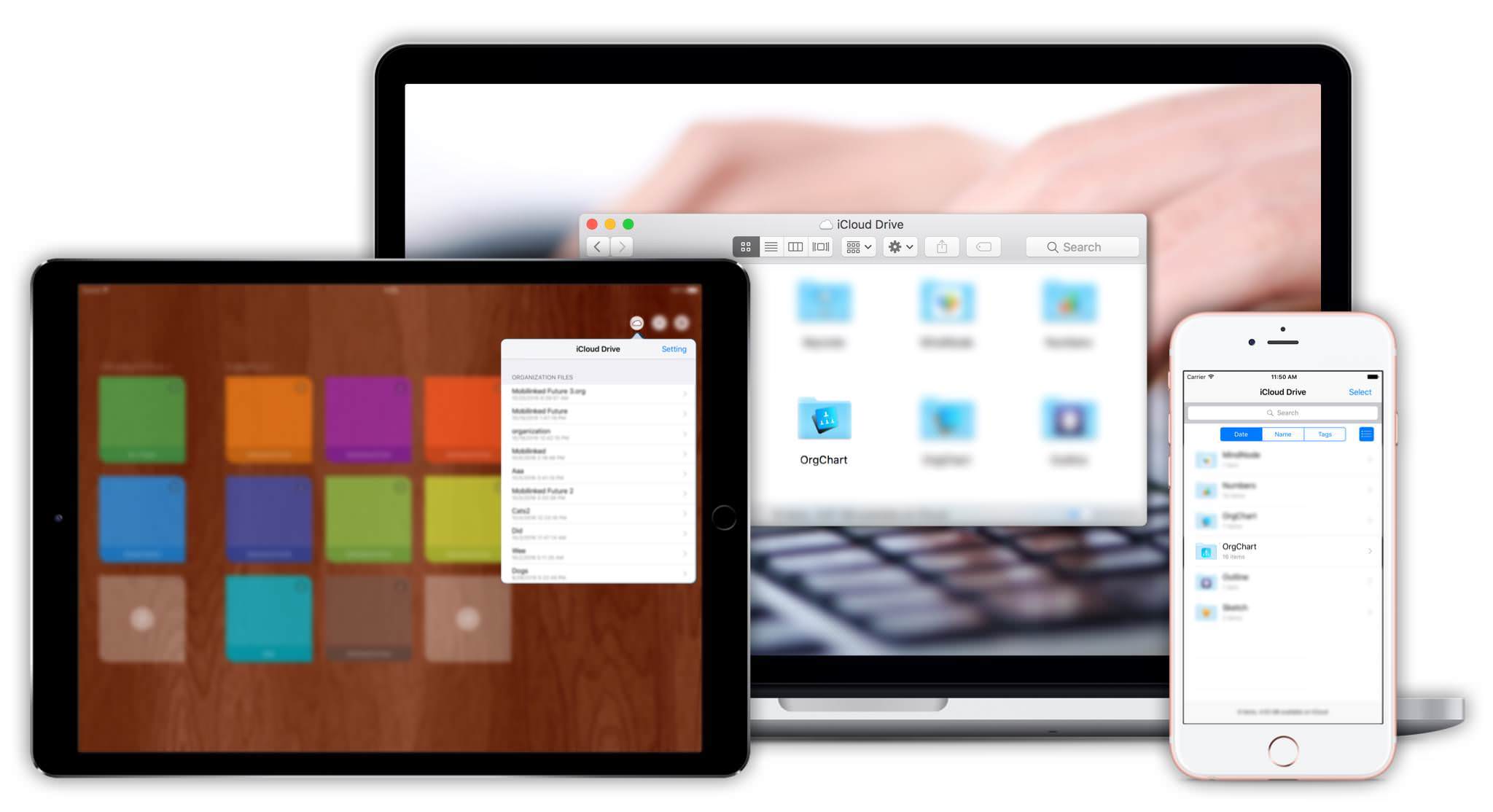
Sync org chart documents between iOS and Mac devices via iCloud Drive.
OrgChart for macOS supports exporting organizational charts as OPML files.
2026 © COPYRIGHT SWIFT APPS | All Rights Reserved
Swift Apps