
Exporting
Exporting
We recommend all users upgrade to OrgChartX - our modern app for iPhone, iPad, Mac, and Vision Pro. It can import files from legacy OrgChart apps. This website remains available to support users who continue using the legacy apps.
This site continues supporting legacy OrgChart apps.
OrgChart for macOS supports exporting organization charts as PDF, CSV, image, and OPML files. You can share PDF and image files with users who do not have OrgChart installed, use CSV files for reporting and integration, and export OPML files that can be opened in mind map apps (such as iThoughts) or other outline apps.
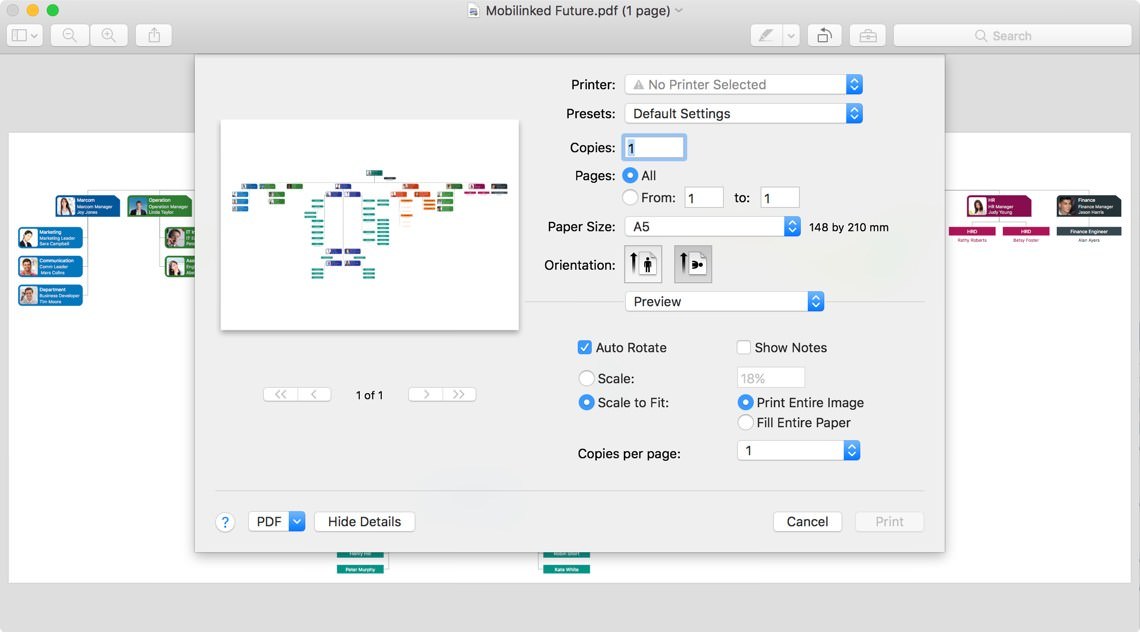
Because macOS devices typically have stronger hardware resources than iOS devices, OrgChart exports the organization chart as a single-page PDF by default. macOS also provides more printing options for PDFs, such as margins and zoom.
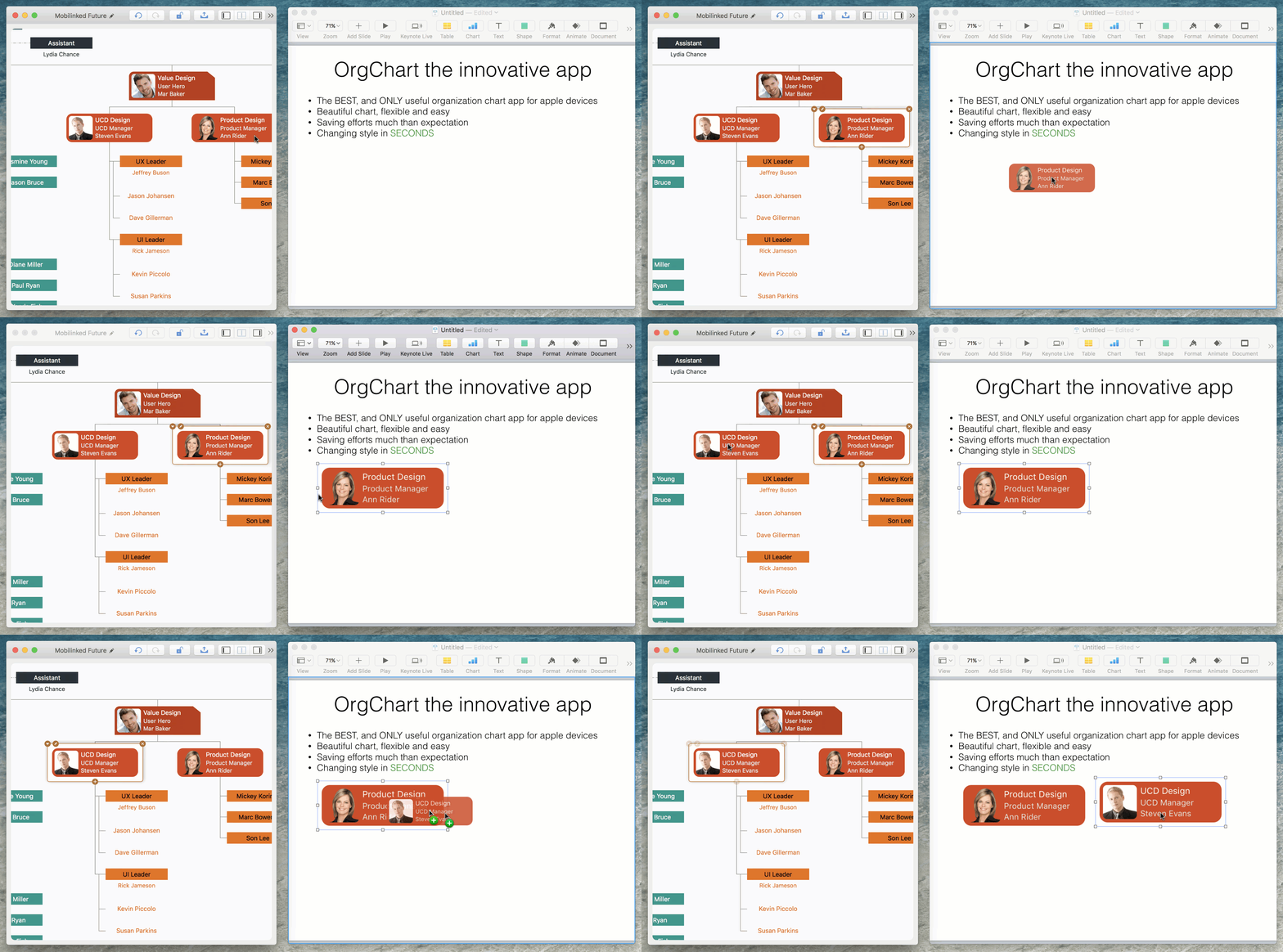
Another reporting-related feature: you can drag a department from the chart panel into other apps (such as Apple Pages) as an image to build reporting documents more freely.
2026 © COPYRIGHT SWIFT APPS | All Rights Reserved
Swift Apps