
Quick Start - Sync via iCloud Drive
Quick Start - Sync via iCloud Drive
We recommend all users upgrade to OrgChartX - our modern app for iPhone, iPad, Mac, and Vision Pro. It can import files from legacy OrgChart apps. This website remains available to support users who continue using the legacy apps.
This site continues supporting legacy OrgChart apps.
Using OrgChart on the Mac
After you install “OrgChart for macOS” from the Mac App Store, macOS creates an iCloud Drive folder for OrgChart. Files in this folder are synced automatically across devices that use the same iCloud account, managed by iOS and macOS.
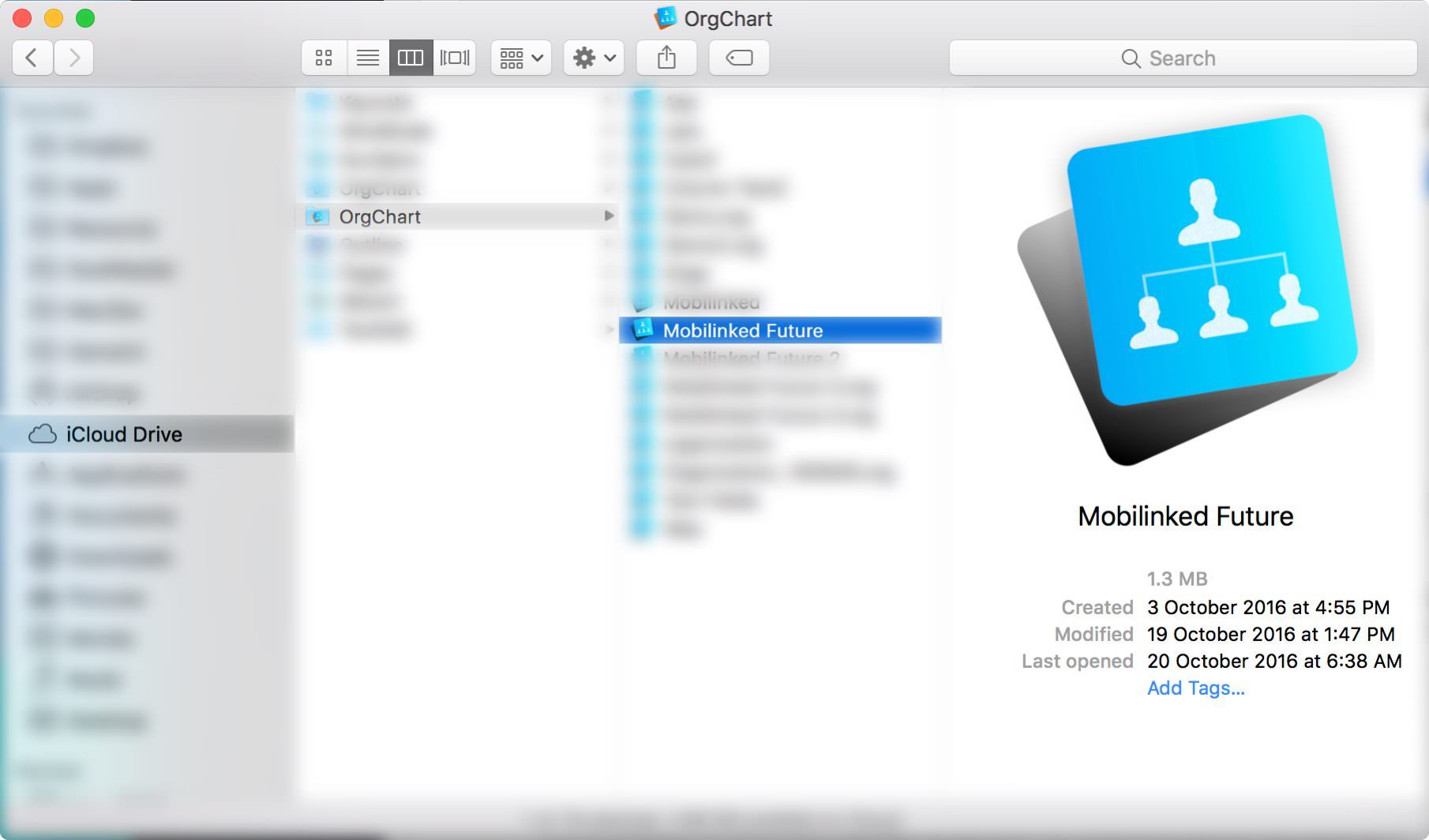
OrgChart supports opening .org files directly from the OrgChart iCloud Drive folder, and changes are synced to other devices automatically.
Our recommended practice is to use a working folder as a bridge to the iCloud Drive folder. Before copying updated files from the working folder to iCloud Drive, you can review them first. This helps prevent major mistakes from being synced to other devices before you notice them.
Using OrgChart on the iOS devices
If iCloud Drive is enabled for OrgChart, "organization chart files stored on the device" and "organization chart files stored on iCloud Drive" are displayed separately.
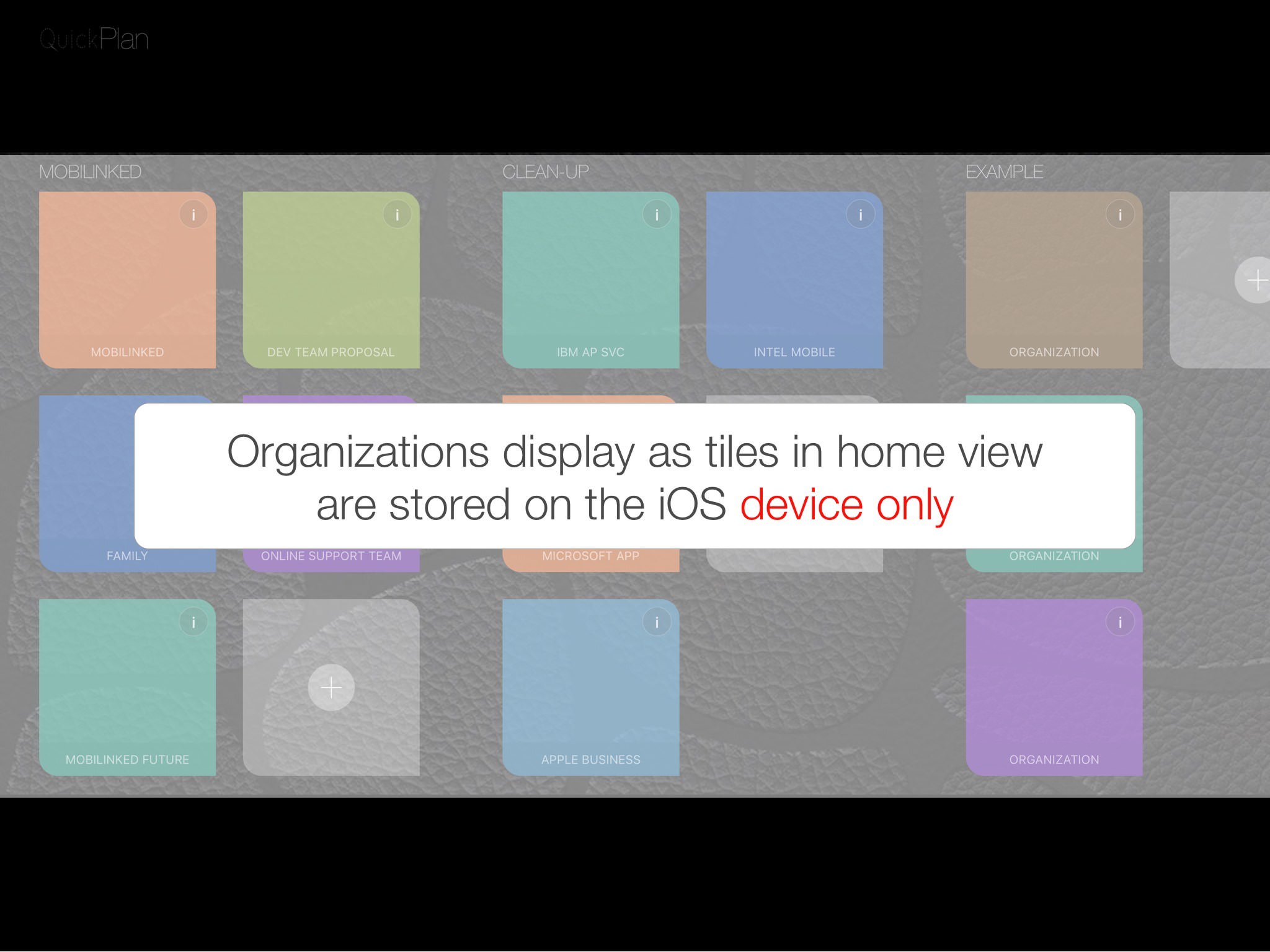
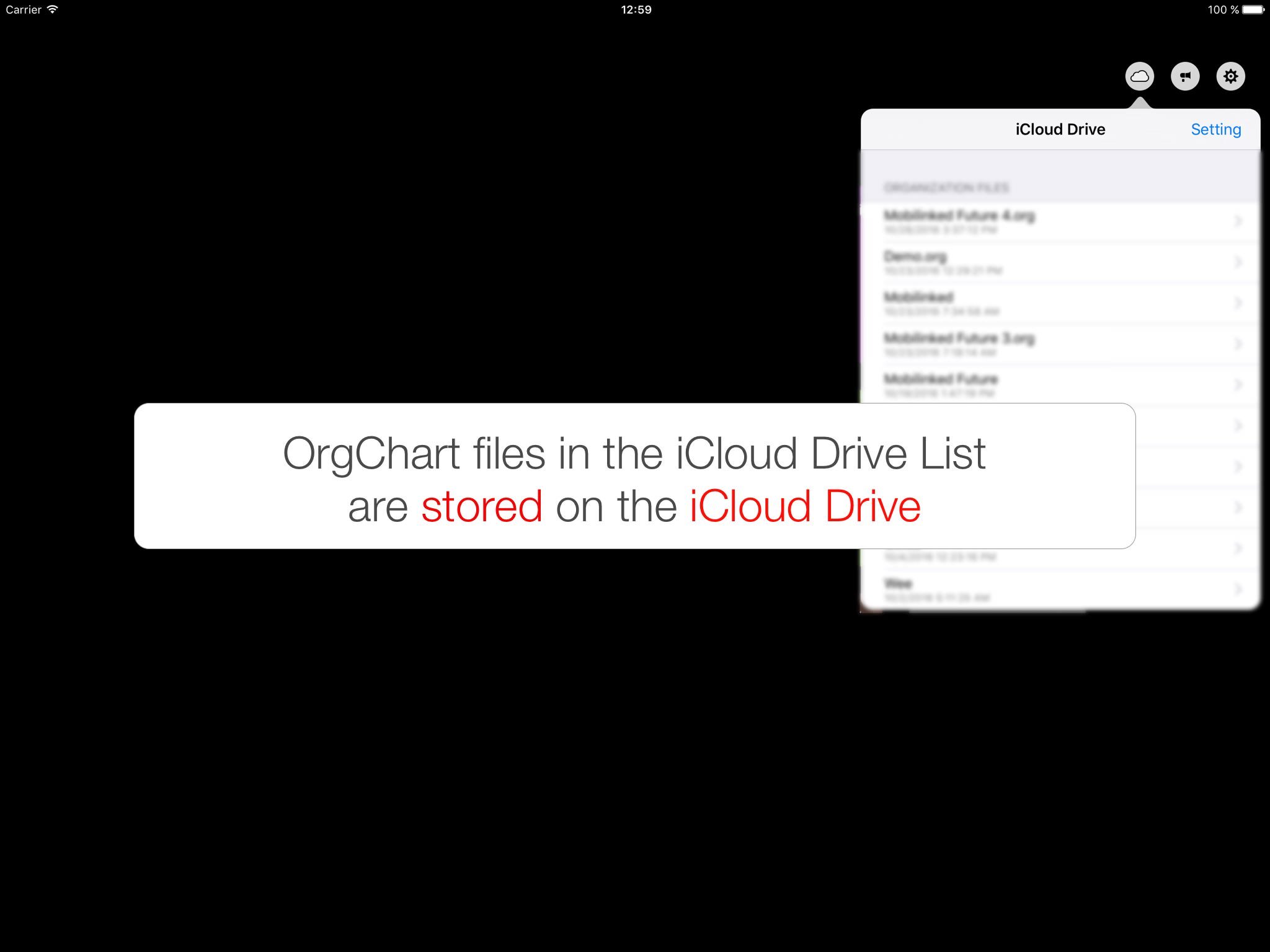
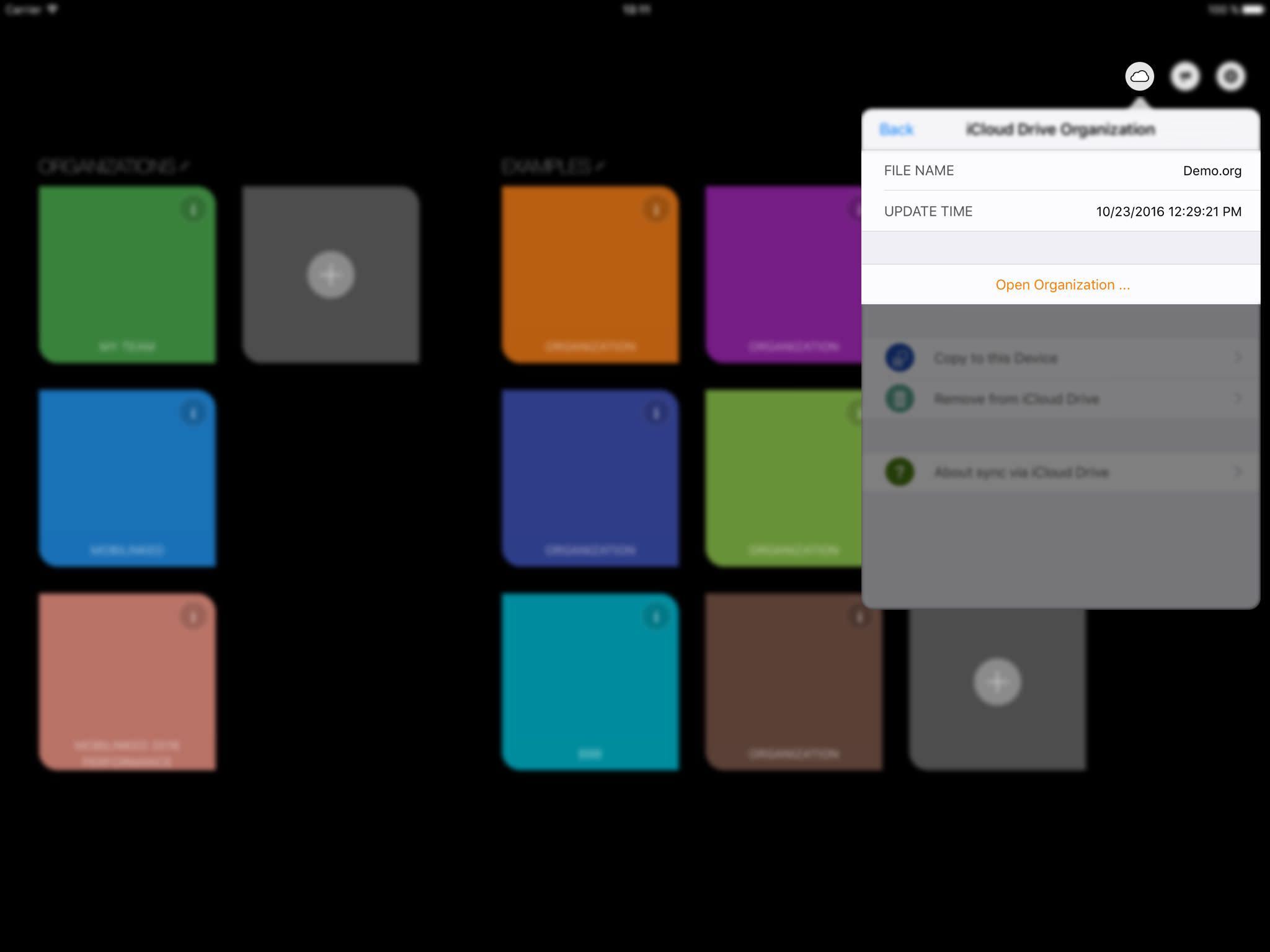
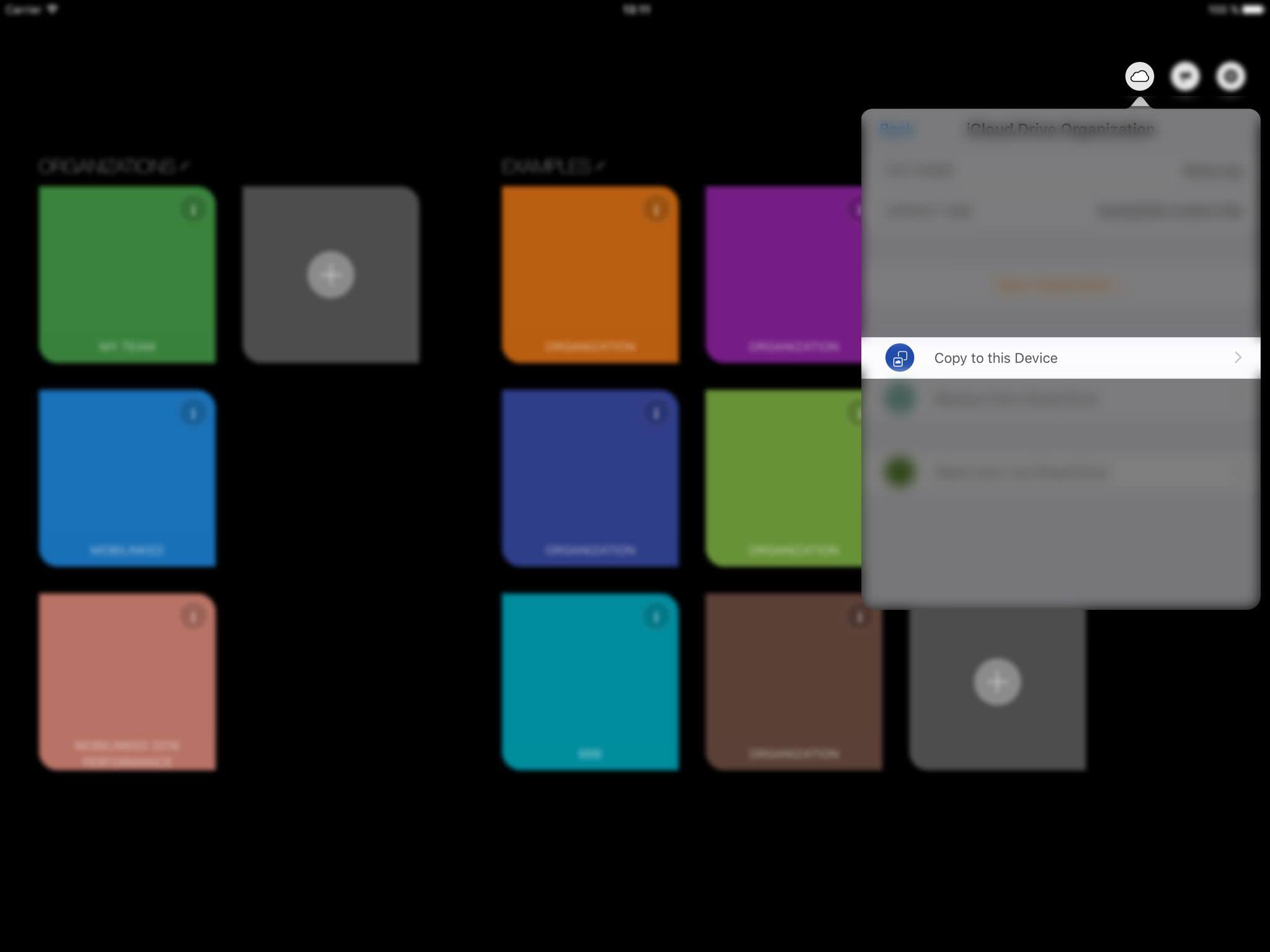
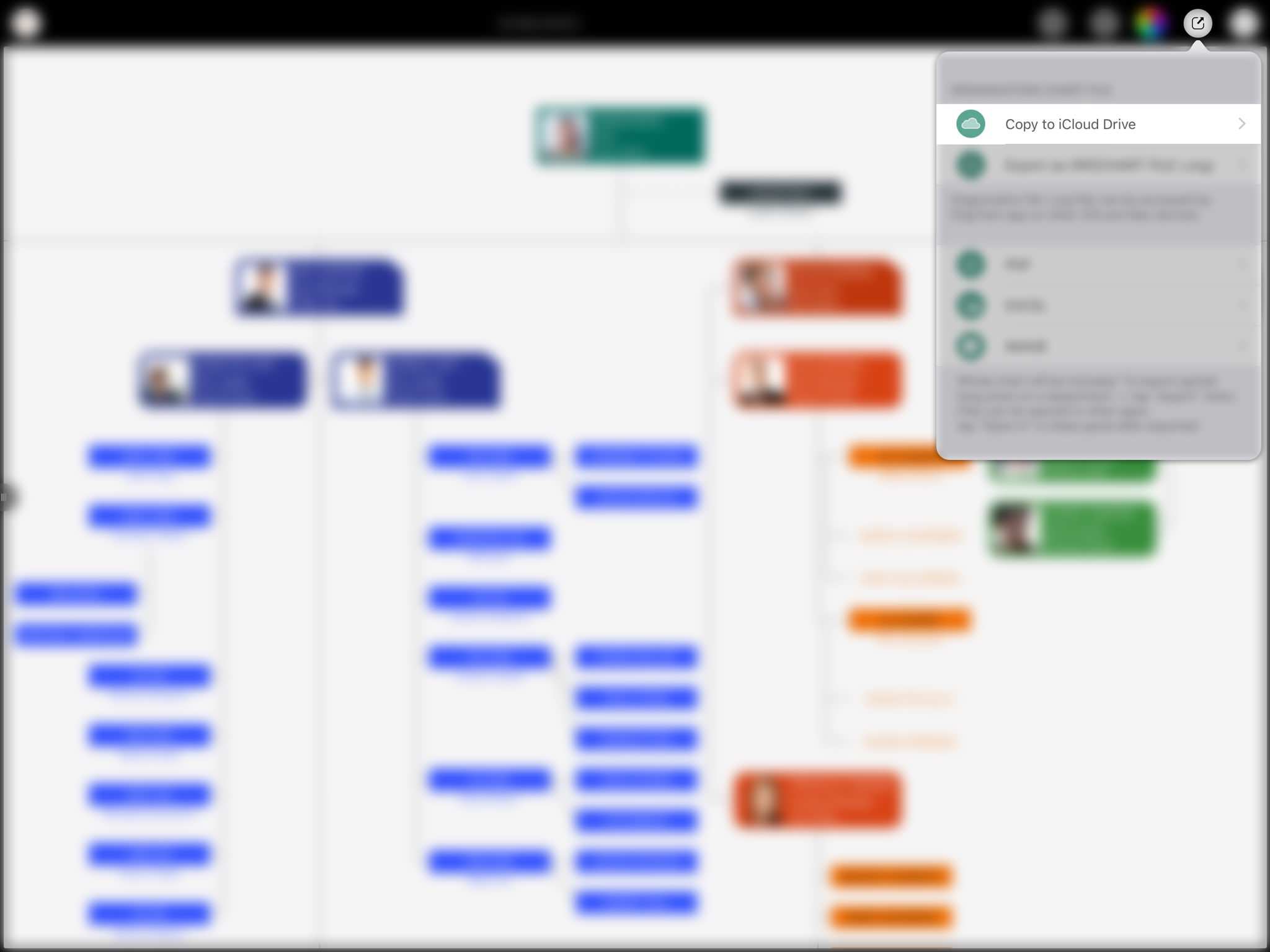
Our recommended practice for important organization chart files on iCloud Drive is to copy the file to the device first, edit it, review it carefully, and then copy it back to iCloud Drive (replacing the original). This helps avoid syncing incorrect updates to other devices before you notice them.
Troubleshooting
File transfer is controlled by iOS and macOS. The app does not control when or how organization chart files are transferred among devices. Most of the time, iCloud Drive works well and syncing is fast. However, if changes are not synced as expected:
Notes:
Some users may expect to edit the same organization chart (opened directly from iCloud Drive) on multiple devices at the same time, with automatic updates across devices. Editing the same chart on multiple devices simultaneously is impossible via iCloud Drive.
Because departments in an organization chart form a tree structure, there are tight relationships between items. Editing the same chart on two or more devices at the same time can create serious logic conflicts. For example, if one device adds a department as a child while another device removes that parent, there is no reliable way for the app to preserve a correct layout. Until iCloud Drive provides file locking for this workflow, please avoid opening the same chart on multiple devices at the same time.
2026 © COPYRIGHT SWIFT APPS | All Rights Reserved
Swift Apps